


Image Best Practices
Add alt text to every image you upload. Alt text should describe what is shown in the image, e.g., "Women working out at Kilo gym."
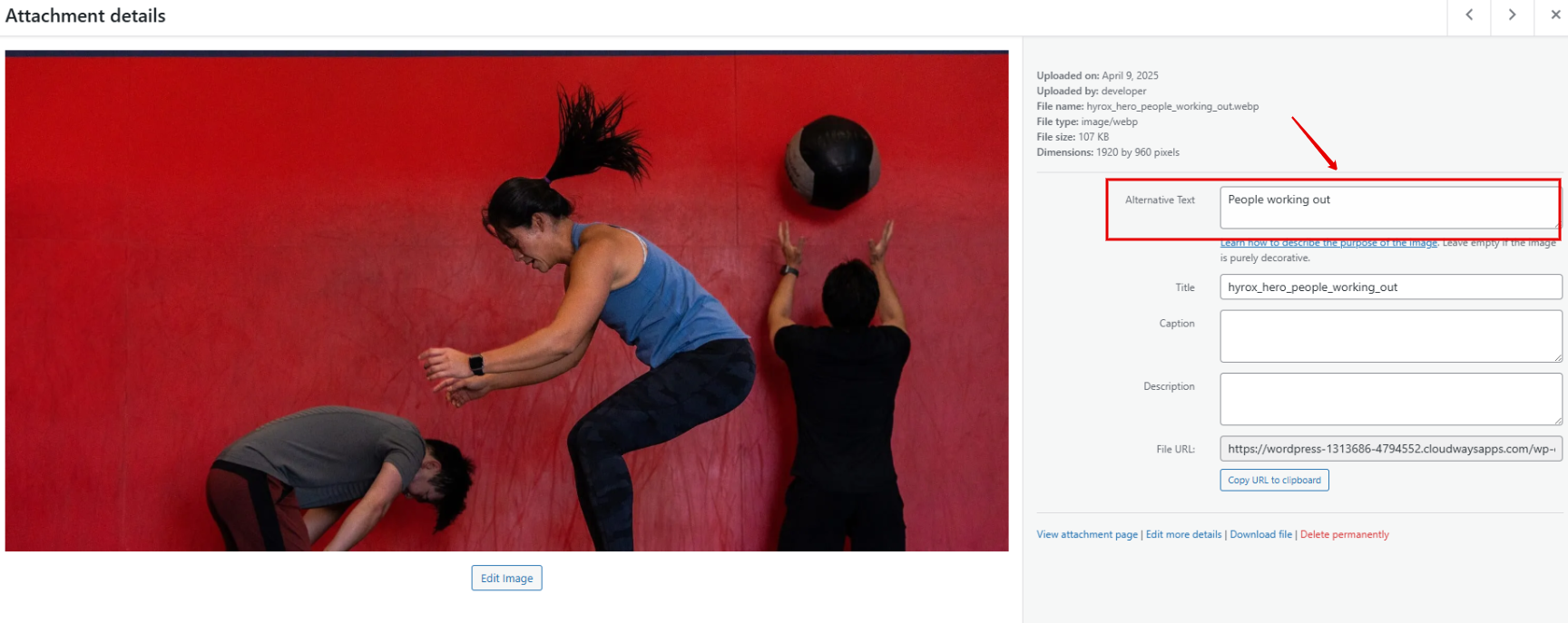
Crop images appropriately. Make sure you follow the photo recommendations for your template here.
You can use this free online tool: BeFunky Photo Editor
Compress images for faster loading. When you edit the image, make sure you compress it as much as possible.
You can use this free online tool: TinyPNG
Rename images using your gym name and the contents of the photo, e.g., "kilo_gym_women_working_out."
Avoid using AI-generated images on your website. While AI-generated images might seem quick and creative, they often look unnatural and can make your website feel impersonal or even confusing to visitors.
Ways to Upload Images
Through the Media Library
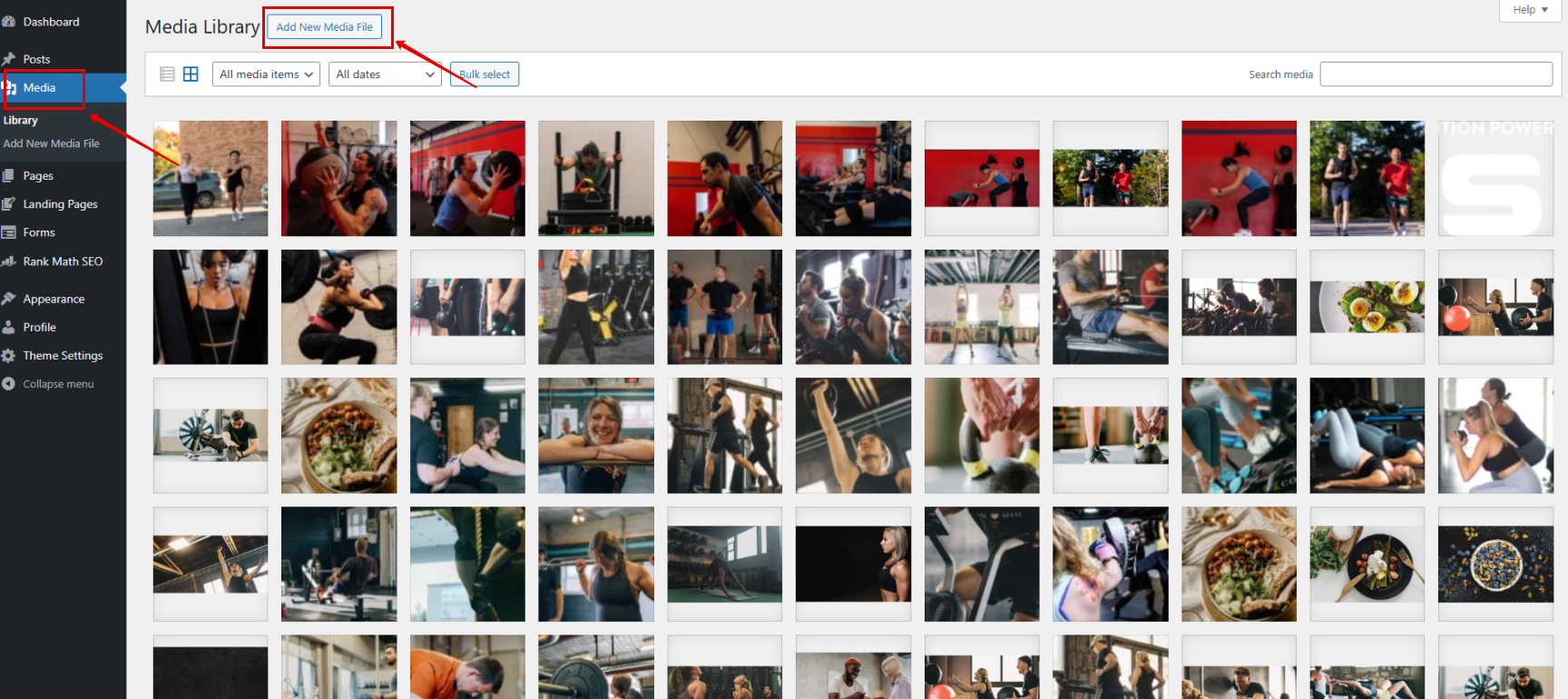
Go to the Media Library in the left sidebar inside WordPress and click Add New Media File.
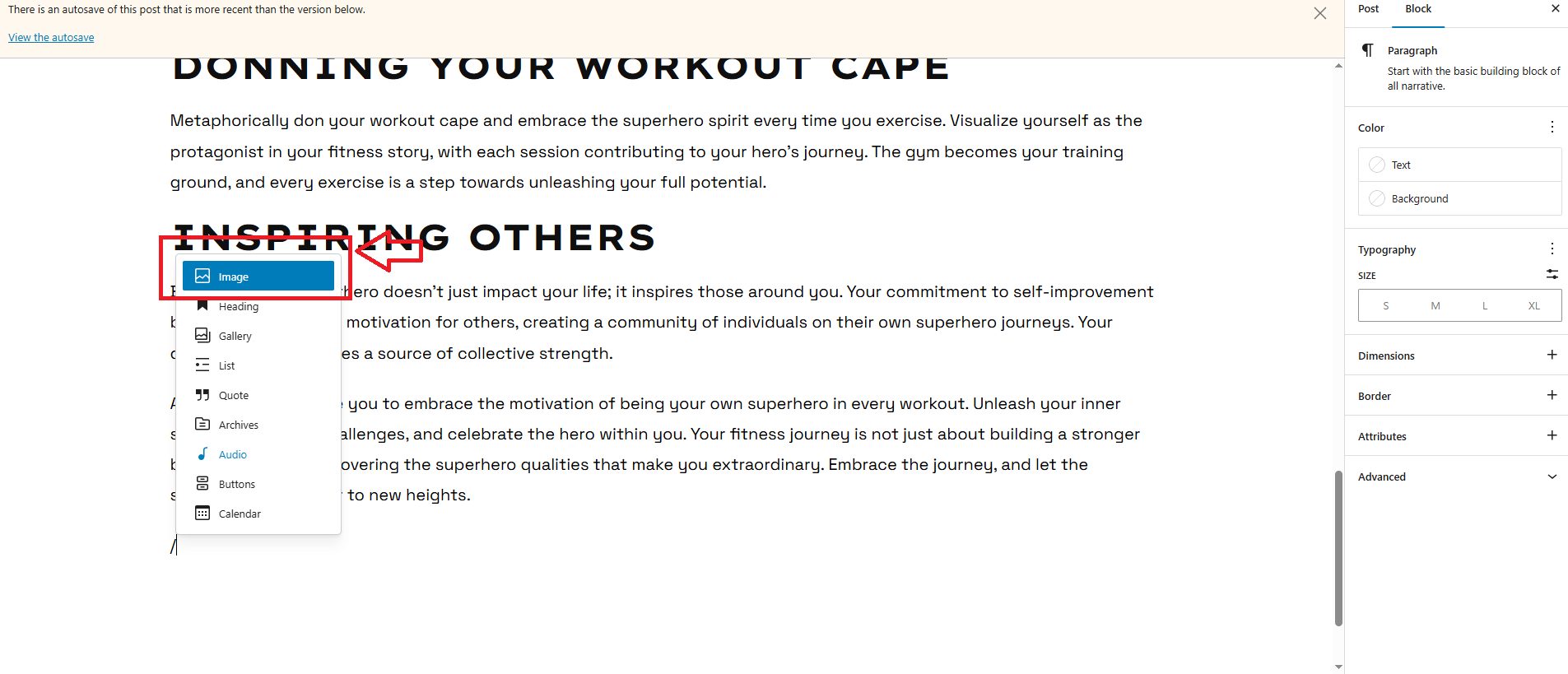
Inside a post
Type / and select the Image option.
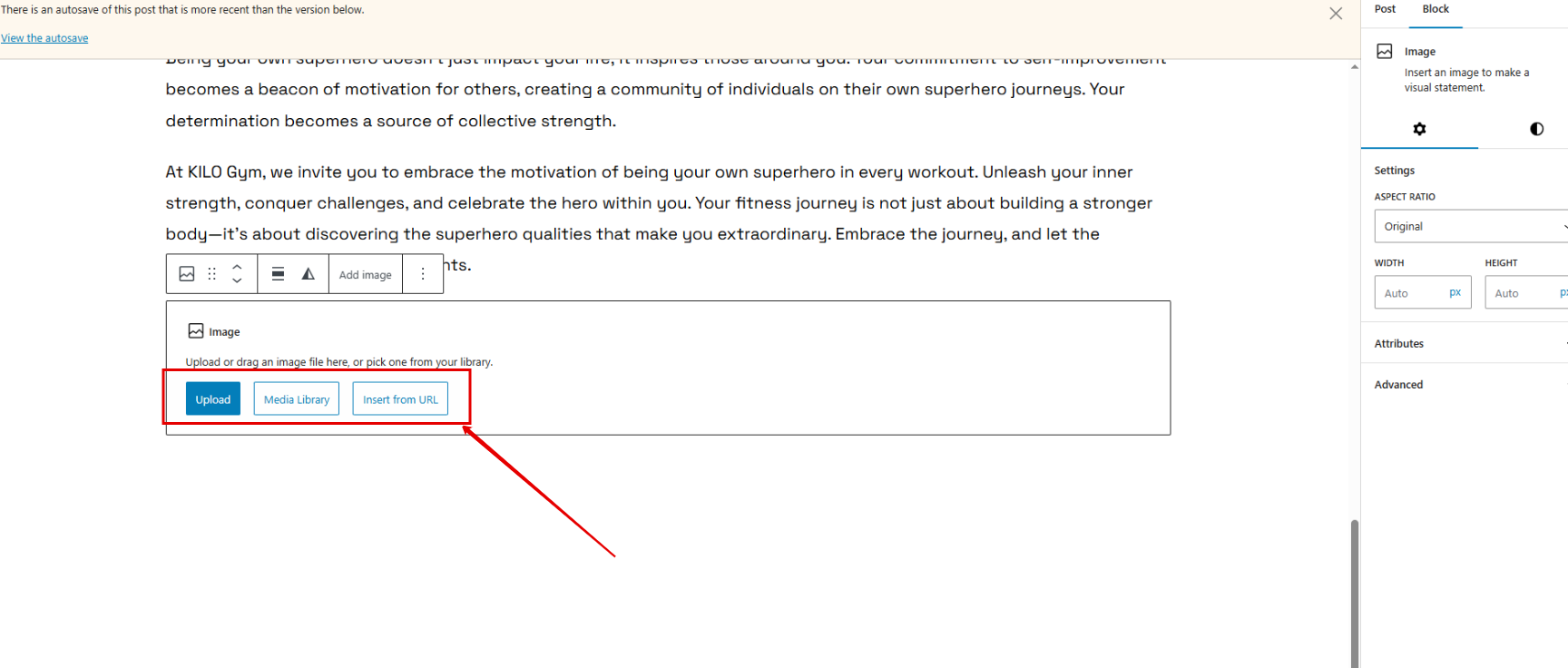
Click Upload.
Have questions or want to request a complimentary annual redesign using one of our concierge templates? Reach out to our Support team at hello@usekilo.com.