


The Revenue Projection Report in Kilo GMS estimates your future revenue for a date range you choose, up to 12 months ahead. The estimate is built from invoices and auto-renewing packages already in your account, and is designed for budgeting, forecasting, and goal-setting.
What you can do with the Revenue Projection Report
Estimate revenue for any future date range up to 12 months ahead
See your total projected revenue for that range
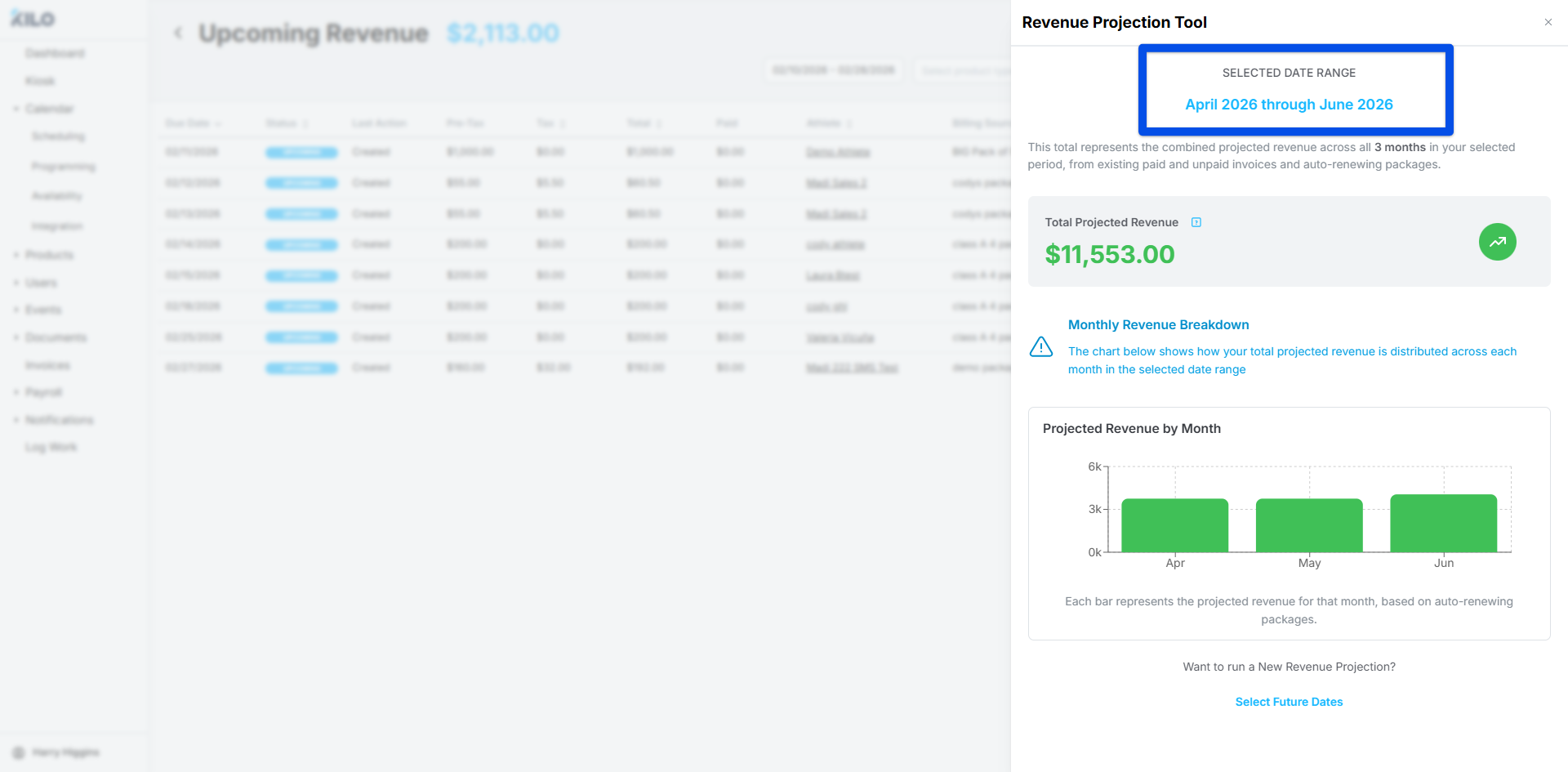
See how projected revenue is distributed across each month
Plan budgets and track progress toward revenue goals
How is projected revenue calculated?
The projection adds up revenue that your account already expects to receive in the date range you select. It includes:
Existing invoices scheduled or expected within the date range
Auto-renew packages that will renew during the date range
Projected renewals based on your current package configurations
Which packages are not included in the projection?
Packages with auto-renew turned off and credit-based packages are not included. This covers paid-in-full (PIF) packages with auto-renew off and any other package with auto-renew disabled.
If your projection looks lower than expected, check whether a large share of your revenue comes from these packages.
Project revenue for a date range
Open the Revenue Projection Report.
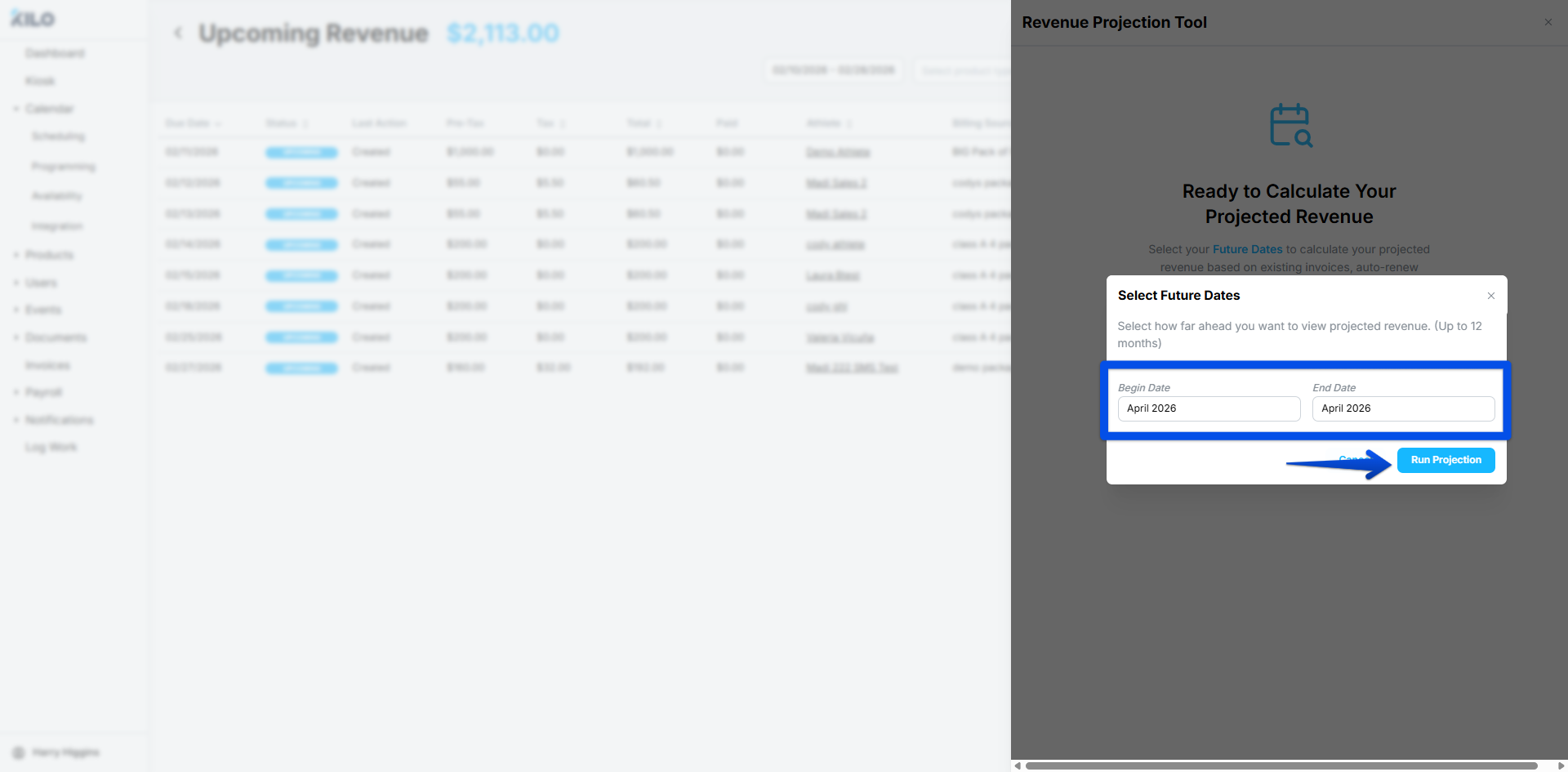
Choose the start and end dates you want to project revenue for, up to 12 months ahead.
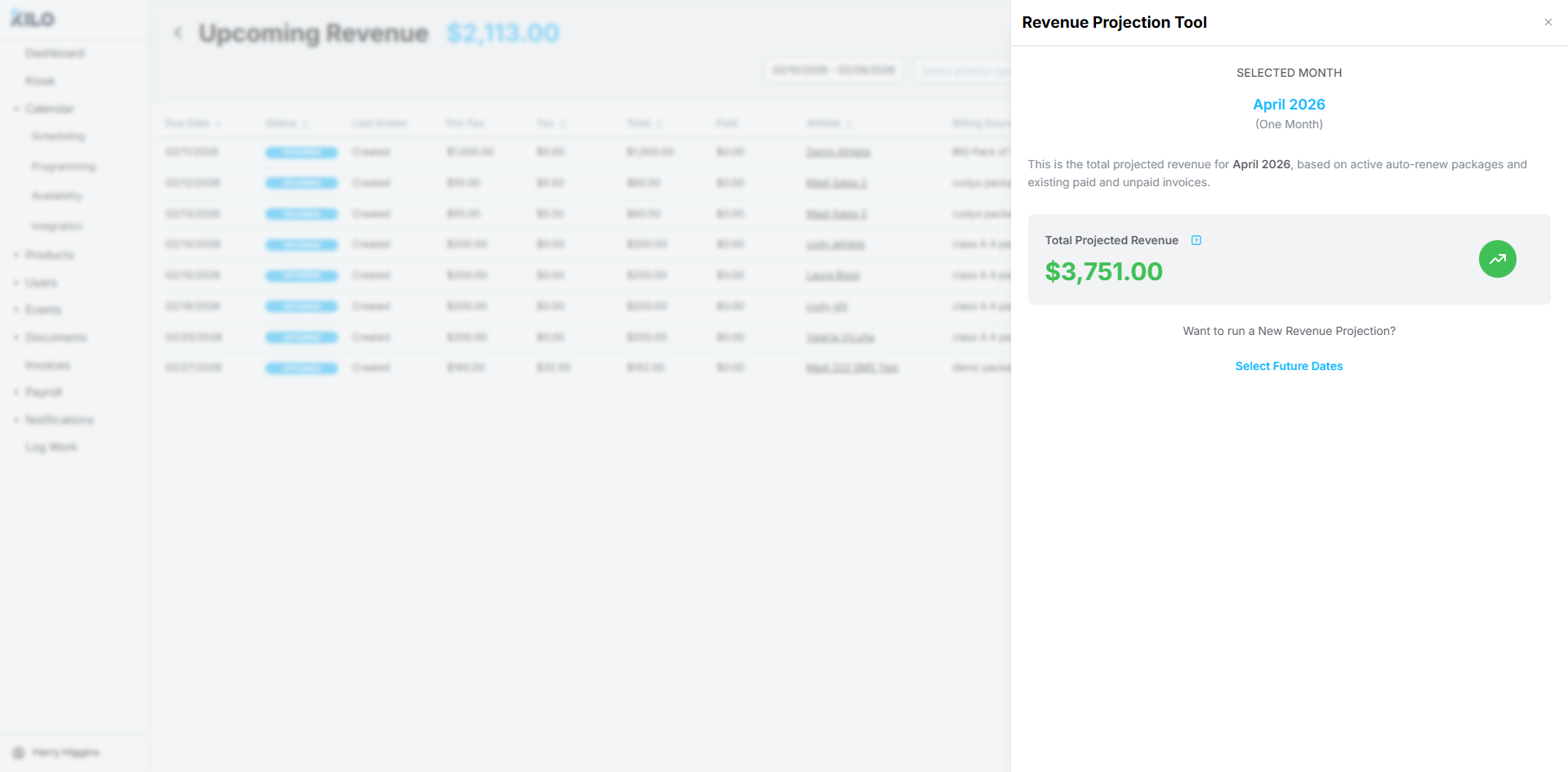
Review your total projected revenue.
Review the monthly chart to see how the total is distributed across each month in the date range.
Helpful tips
Treat the projection as an estimate for planning, since final revenue can differ
Run the report again after changes to invoices, package pricing, renewals, or cancellations, since the projection reflects your data at the time you run it
Compare the projection against your revenue goals month by month
When this feature is most helpful
Building a budget for the months ahead
Forecasting revenue for planning
Tracking progress toward revenue goals
If you have questions about the Revenue Projection Report in Kilo GMS, our Support team is happy to help. Reach us at hello@usekilo.com.