


To make it easier to keep track of which athletes have added payment methods to Kilo, you may reference the “Has payment method” column on the Athlete list page.
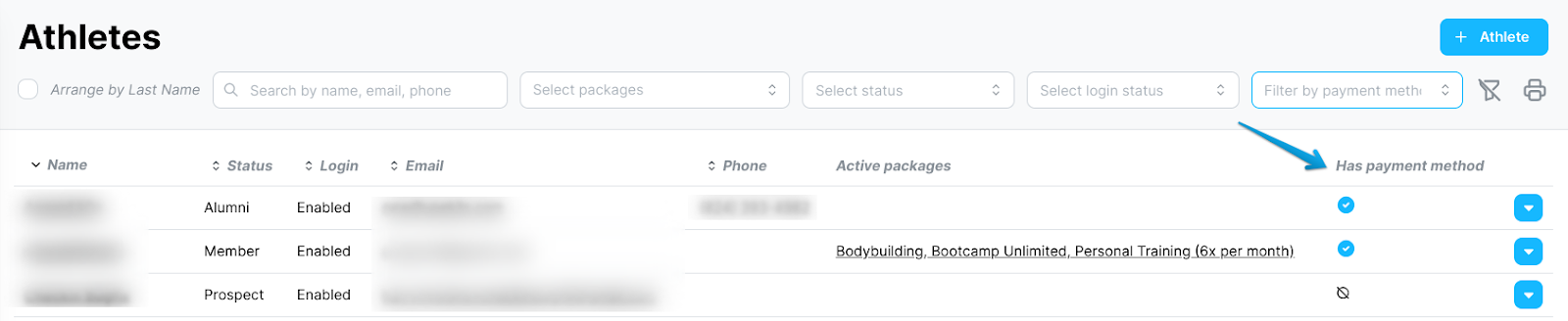
The blue checkmark icon indicates that the athlete has a payment method connected to their Kilo profile.
The circle-line icon indicates that no payment method has been entered.
Dependent accounts will not have a blue checkmark as the primary account holder is the payment method account.
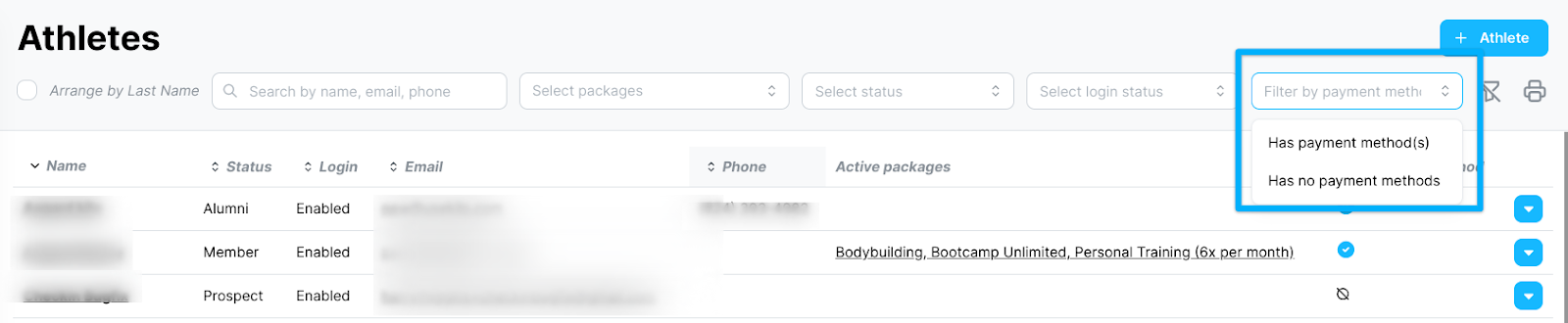
You may opt to filter the Athlete list by “Has payment method(s)” or “Has no payment methods” in the filter field located above the column.
If you have further questions about Payment Methods in Kilo, please reach out to Support at hello@usekilo.com.