


This article walks through building a Facebook lead ads campaign for your gym in Meta Ads Manager, from the campaign objective through to connecting the leads it generates to your Gym Lead Machine account.
Paid ads management is not on the Kilo menu, so we partnered with someone who does it properly. Colm at wedoyourpaidmarketing.com is our trusted paid ads partner and the expertise behind these articles. Need advertising connected to your Gym Lead Machine account? Email hello@usekilo.com. Want to talk about Meta Business Manager, ad accounts, or actually getting ads running? Reach out to Colm.
How a Facebook ad campaign is structured
A Facebook ad campaign has three levels, and you work through them in order.
Campaign level: your objective. For lead generation, this is Leads.
Ad set level: your targeting. Who you reach and how you collect their details.
Ad level: what your prospects actually see.
Moving from one level to the next is done with the Next button.
Create the campaign
Go to https://adsmanager.facebook.com/ and click Create.
Select Leads as the objective.
Select Manual Leads Creation.
Click Next to move to the ad set level.
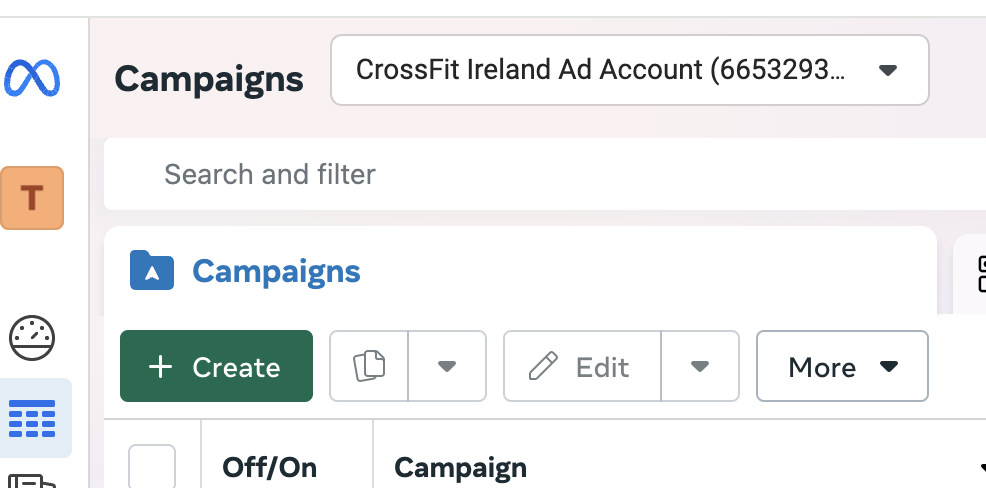
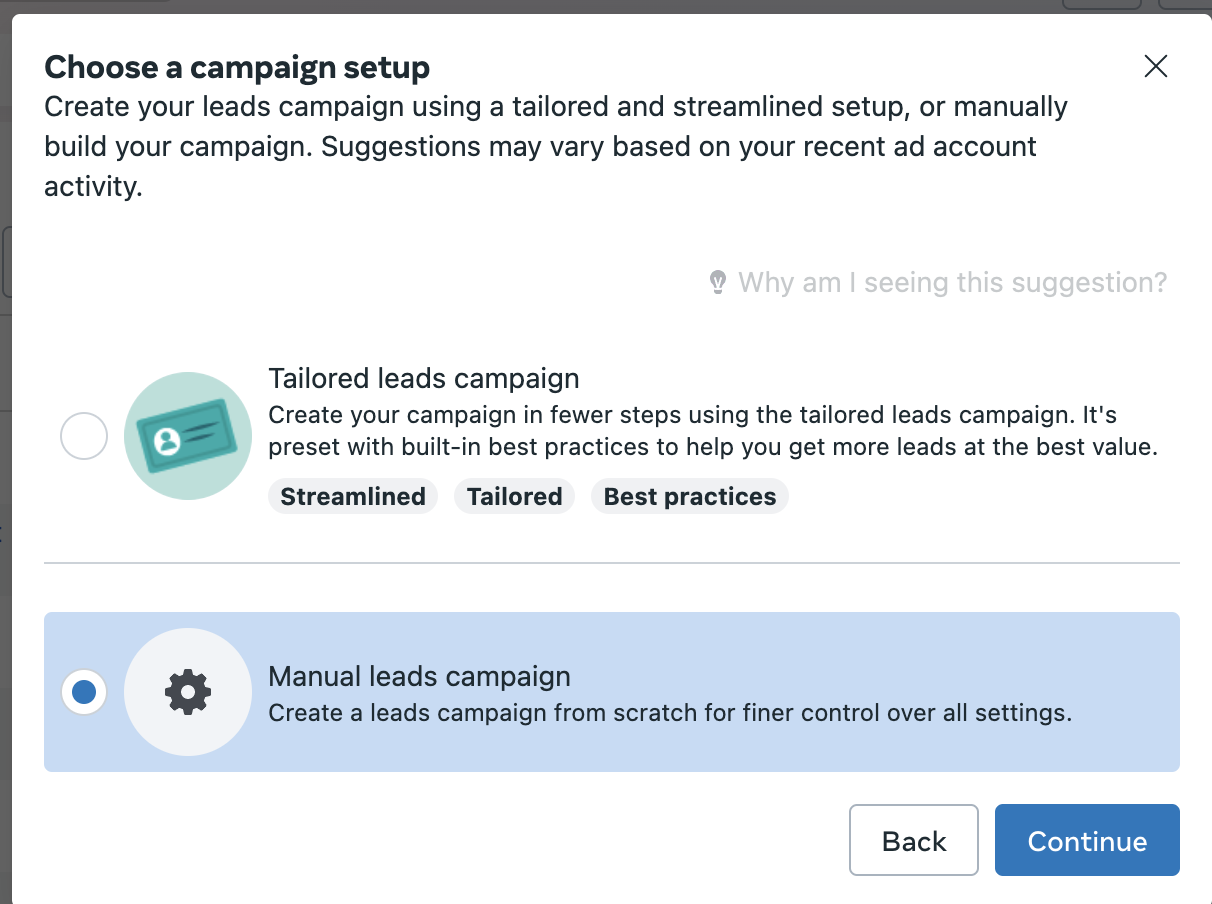
The steps are the same whether you are working in a business ad account or a personal ad account. Only the account name at the top of the screen differs.
Set up the ad set
Choose how you collect leads
Select Instant Forms.
Select your Page. You may need to accept Meta's terms and conditions to continue.
Turn on Dynamic Creative and select Continue in the pop-up.
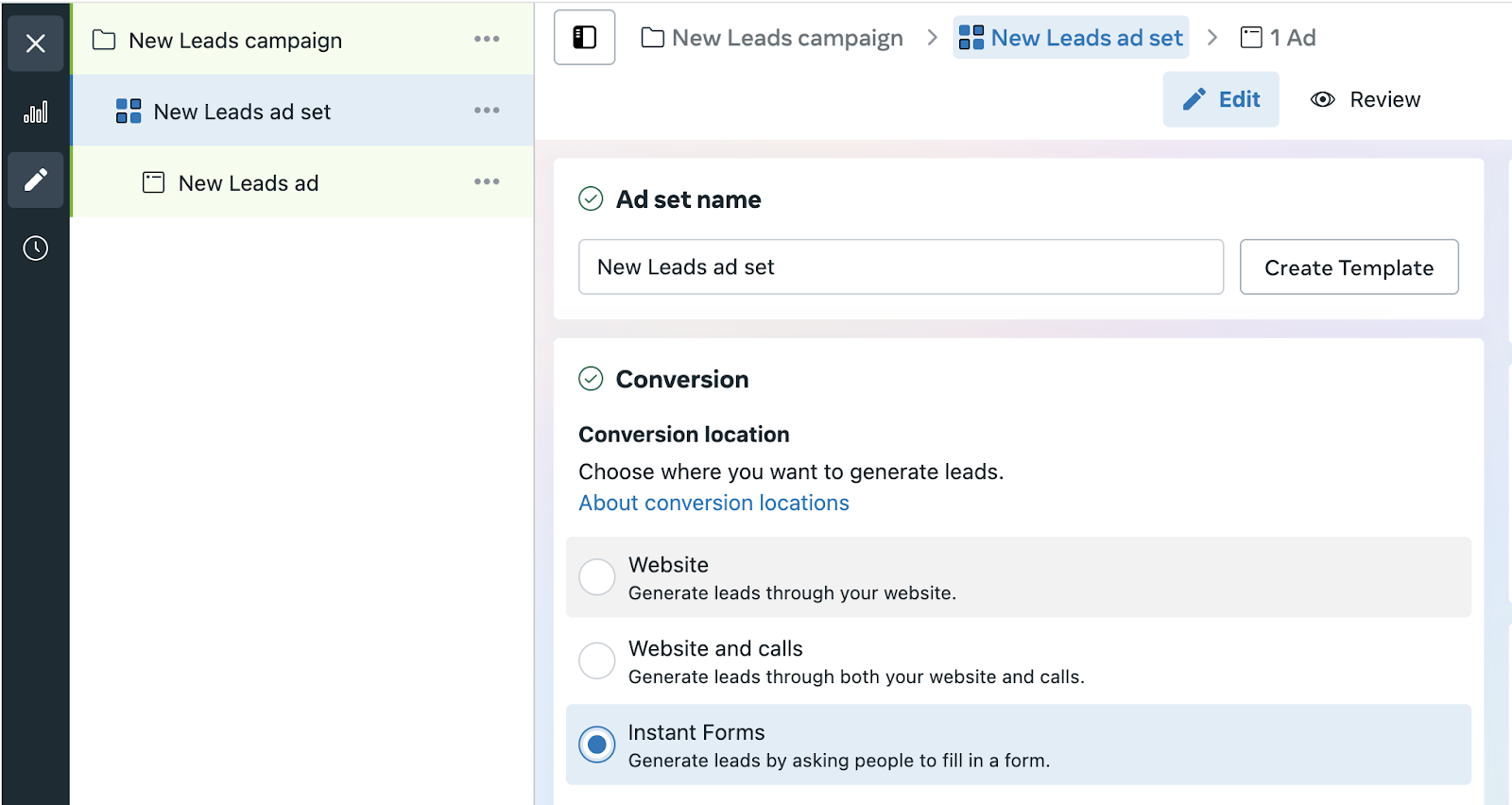
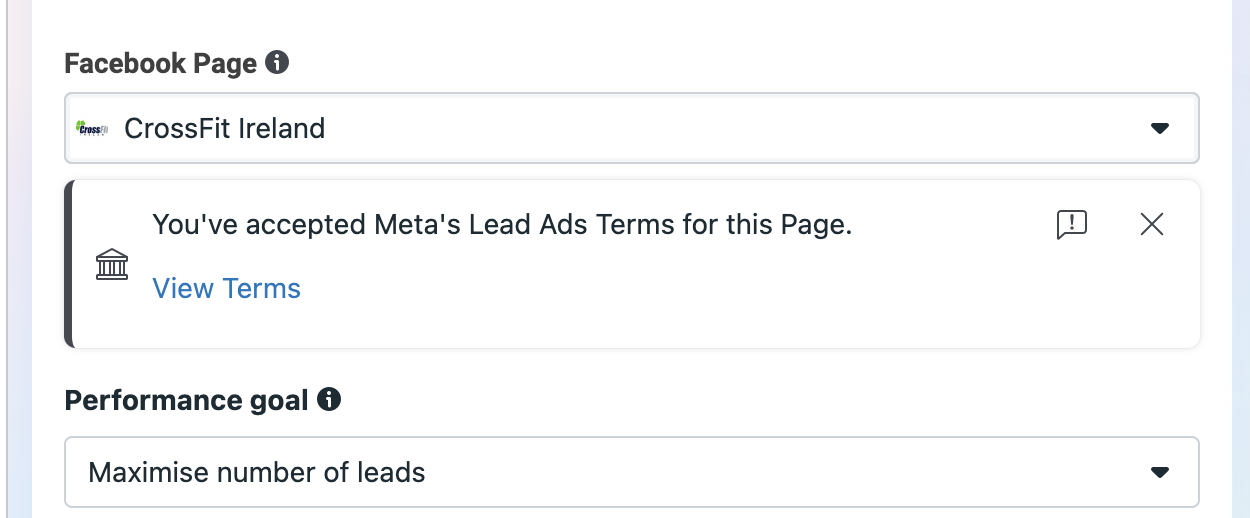
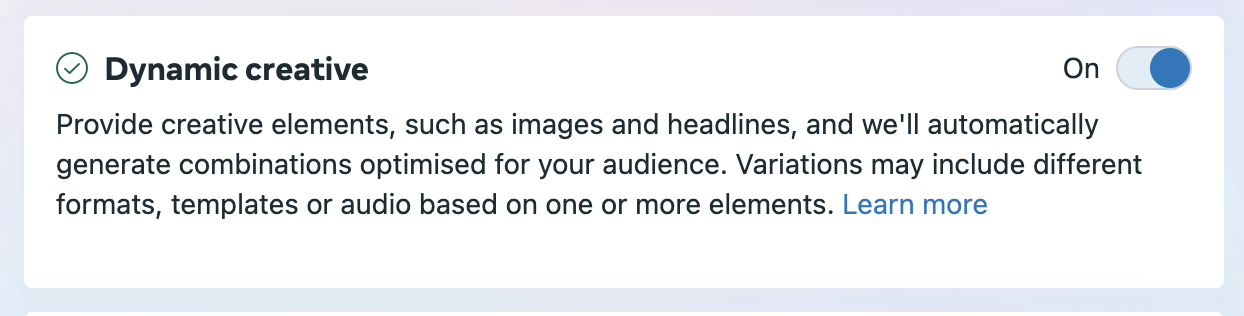
Instant Forms are forms that live inside Facebook and Instagram, and they are Meta's preferred way of collecting leads. Most users already have their details pre-filled, which gives you your lowest cost per lead. The trade-off is roughly 50 percent attrition from cold leads. Starting out, cast a wide net and filter with your lead nurture process. Over time you can edit your forms to qualify and disqualify leads.
Dynamic Creative means you supply the raw ingredients, meaning images, headlines, text, and calls to action, and Facebook continuously recombines them to find what resonates with your audience. This reduces the learning phase considerably.
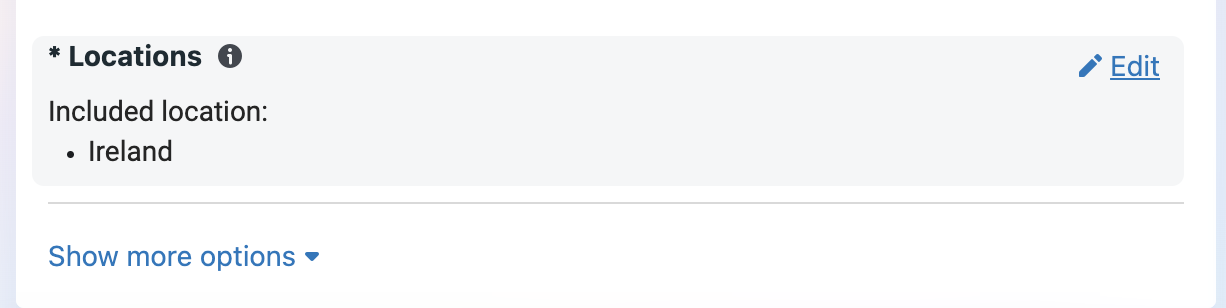
Set your location targeting
Hover over the location area and click the edit button when it appears.
Select Browse → Saved Locations → Create List → Addresses.
Enter your gym's address so Facebook can match it.
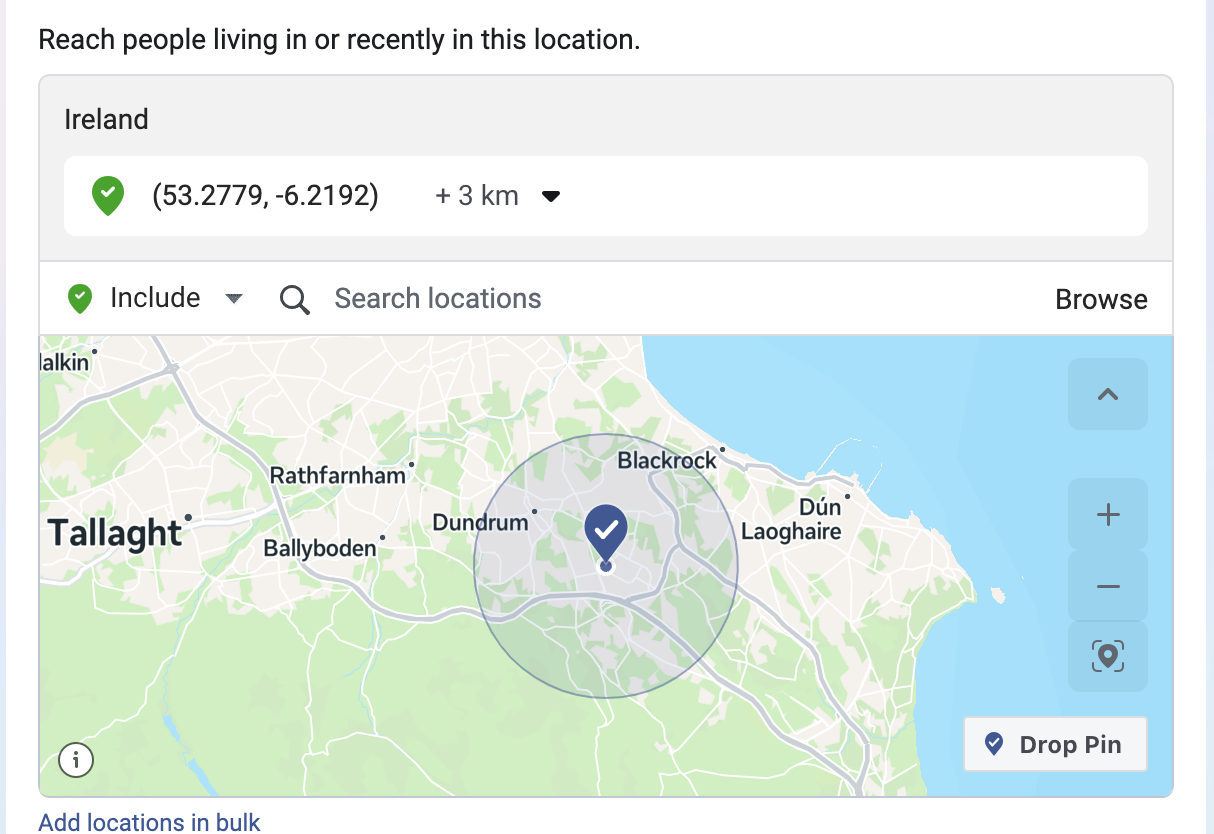
Drop a pin on your gym's location instead if the address does not match. Address matching works well in the United States and less reliably elsewhere.
Adjust the radius. Meta defaults to 10 miles, or 16 kilometres, and a 15 to 20 minute commute is usually a better fit for your market.
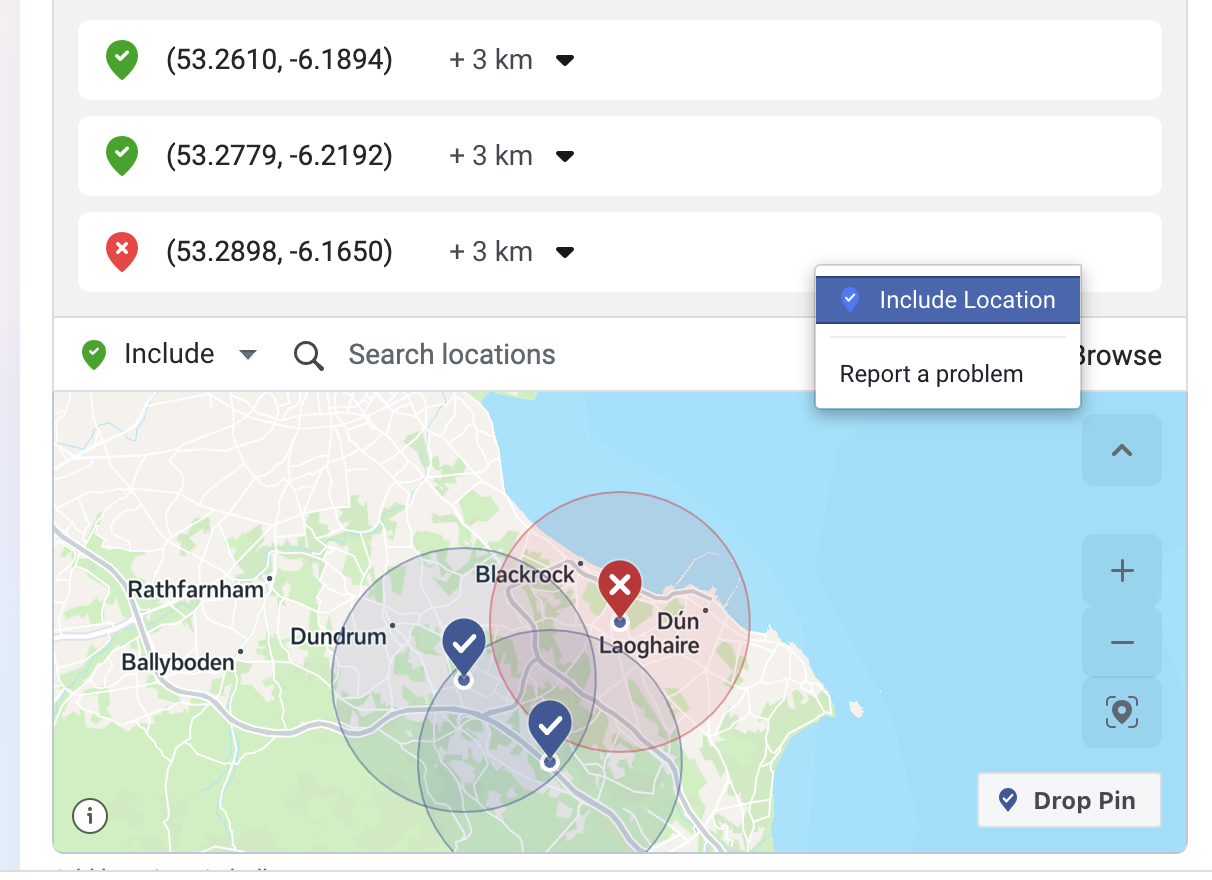
Add more areas to target, or areas to exclude, as needed.
Set your demographics and placements
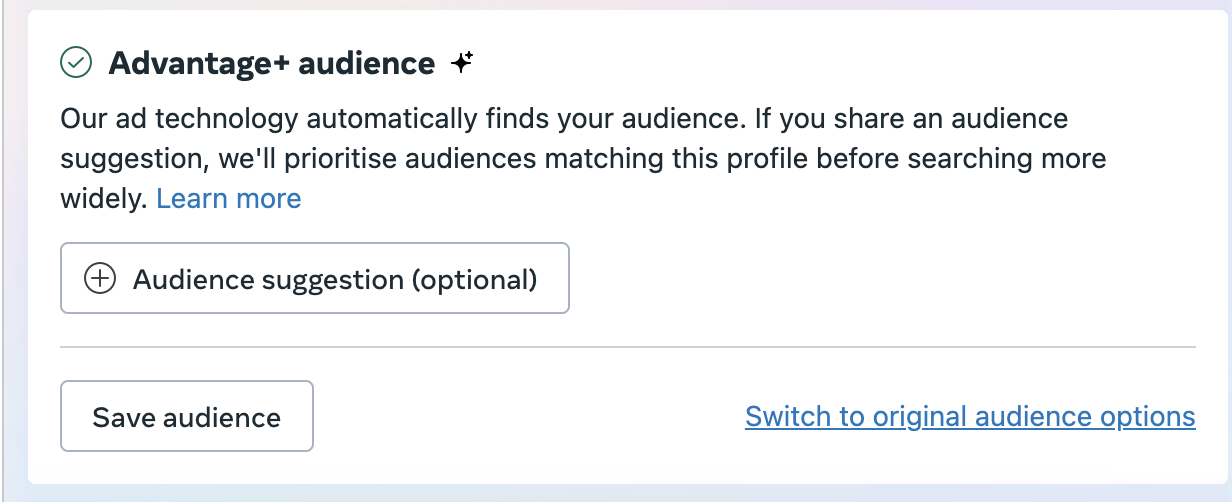
Select Switch to original audience options, then select Use original audience in the pop-up.
Set your age and gender demographics.
Go to Placements → Edit Placements → Manual Placements.
Deselect Audience Network.
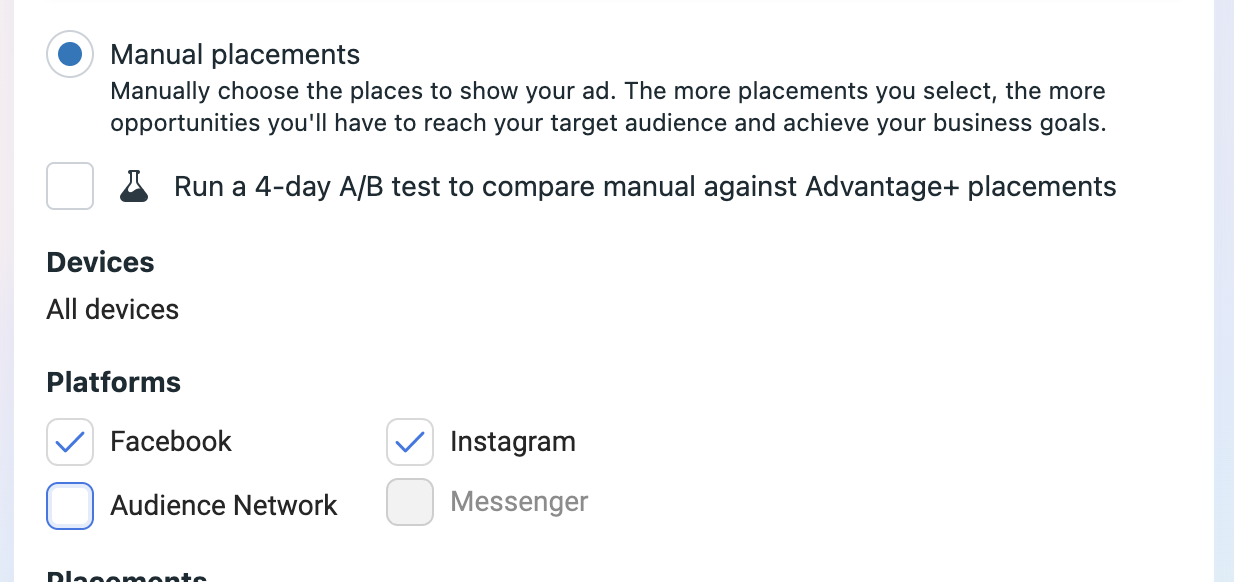
Leave Audience Network deselected. Instant Forms do not work on the Audience Network, so any budget spent there produces no leads.
Set your budget
Check your estimated audience size on the right side of the screen.
Set your daily budget based on that audience size.
Click Next to move to the ad level.
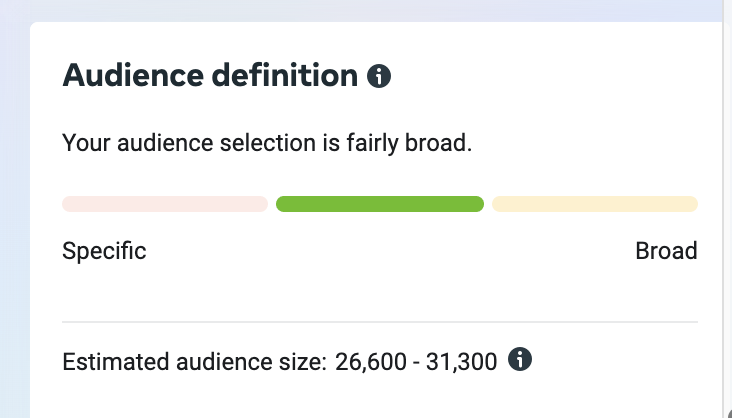
A common starting point is one dollar per day for every 10,000 people in your audience, with a minimum of five dollars per day. The same principle holds in pounds and euros.
Build the ad
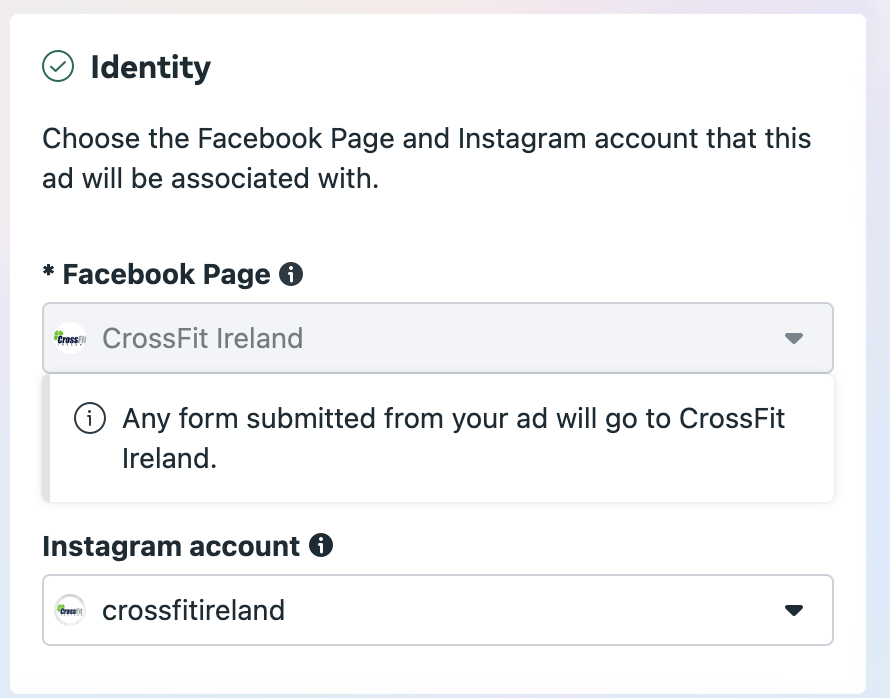
Check that the identity is correct and your Instagram account is connected.
Click Select Images under Ad Creative.
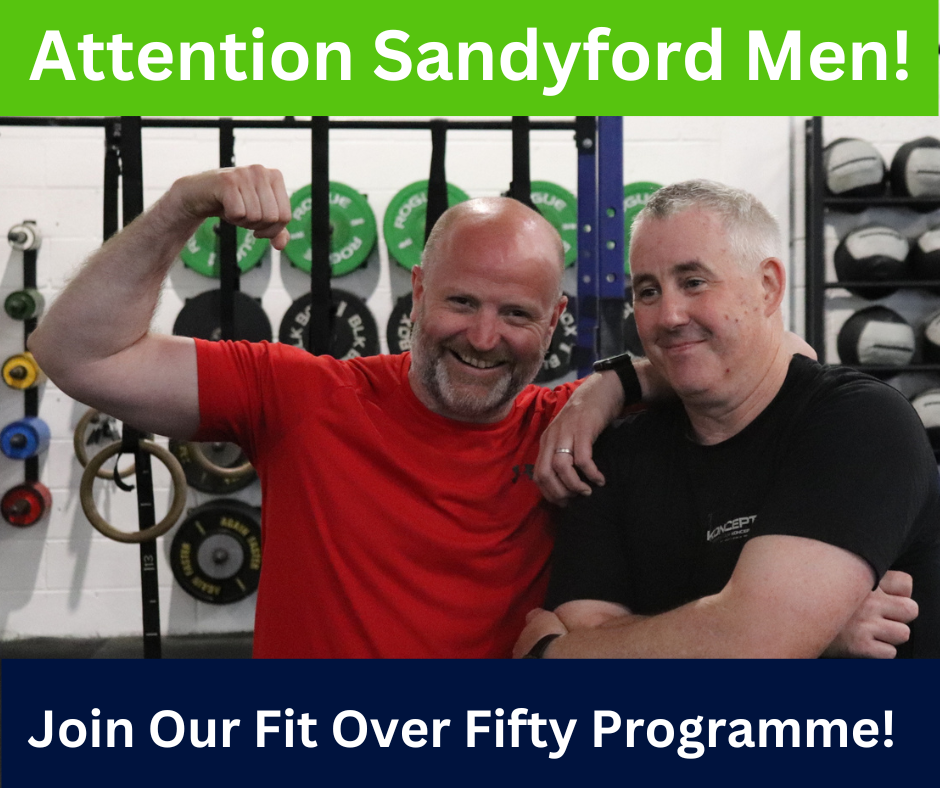
Upload up to 10 images. Images with a clear message, people smiling at the camera rather than working out, and clean backgrounds tend to perform best.
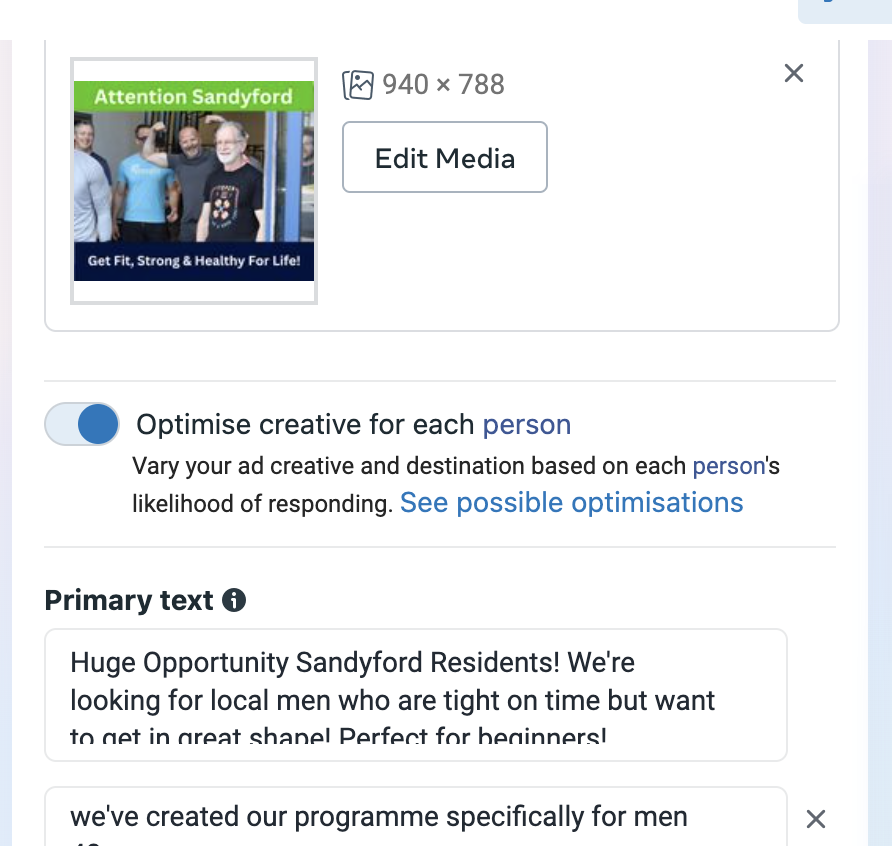
Enter your marketing copy in the primary text field. Test a short version of one to three sentences, a medium version of one to three paragraphs, and a long version mixing paragraphs, bullet points, and calls to action.
Fill in three to five calls to action in the headline section.
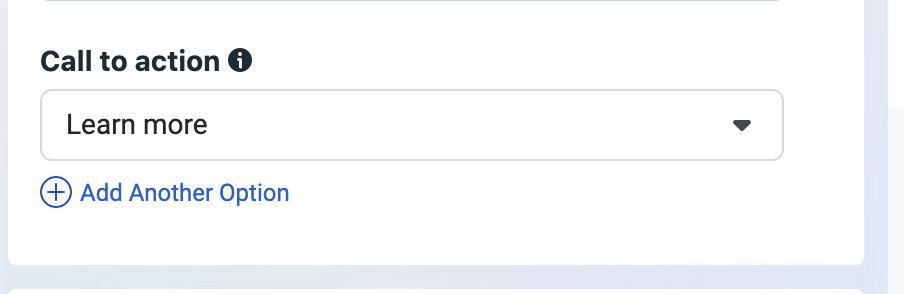
Change the call to action button to Learn more.
Short copy example:
Huge Opportunity YOUR TOWN Residents! We're looking for local women who want to get strong and toned. Perfect for beginners!
Medium copy example:
We've helped hundreds of people in the YOUR TOWN area get back into shape after life, work, and family have taken over.
If you're nervous about restarting your fitness routine, we make it comfortable by starting with a sit down chat to make sure we're the right fit for each other. Then we decide the best strategy to get you back to the healthiest, happiest version of you.
Book a Free Intro by entering your details below today!
Long copy example:
WE MAKE GETTING FIT FUN AGAIN
Our programs are perfect for you if:
You're unmotivated to exercise. You're too busy with work, kids, and family. You can't stick to a routine or diet. You feel unhealthy.
We build custom programs that are right for you so you can look forward to your workouts, enjoy your nutrition plan, see real changes in your fitness, tone and strengthen your body, get your energy back, and feel like your best self again.
We only take on a limited number of people so we can give you the quality you deserve. If you'd like to schedule your no sweat intro, book today.
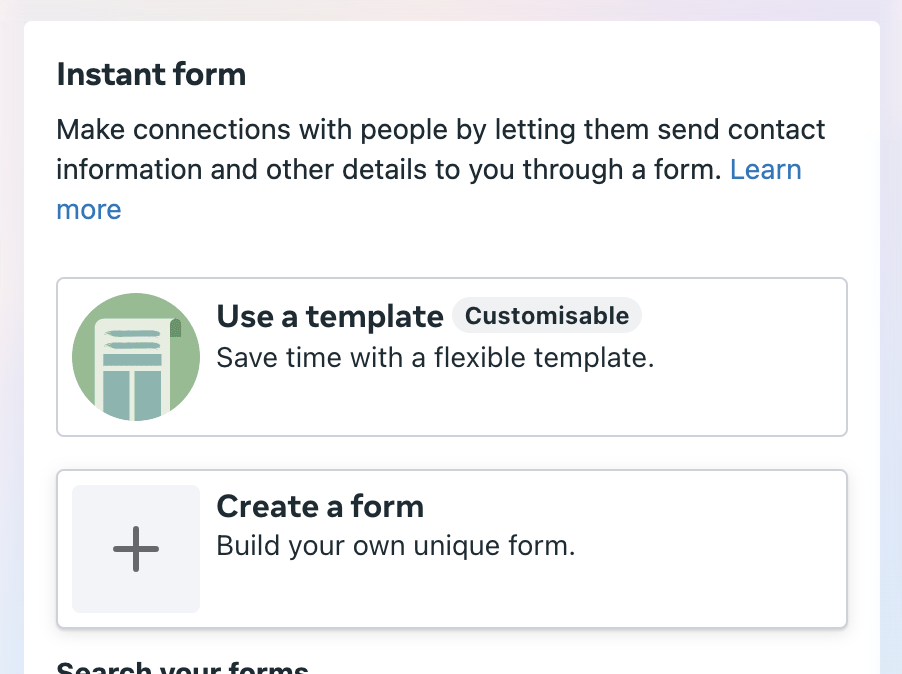
Create the Instant Form
Once you create a form in Facebook you cannot edit it. Check every field before saving. If you need to change something later, duplicate the form and create a new one.
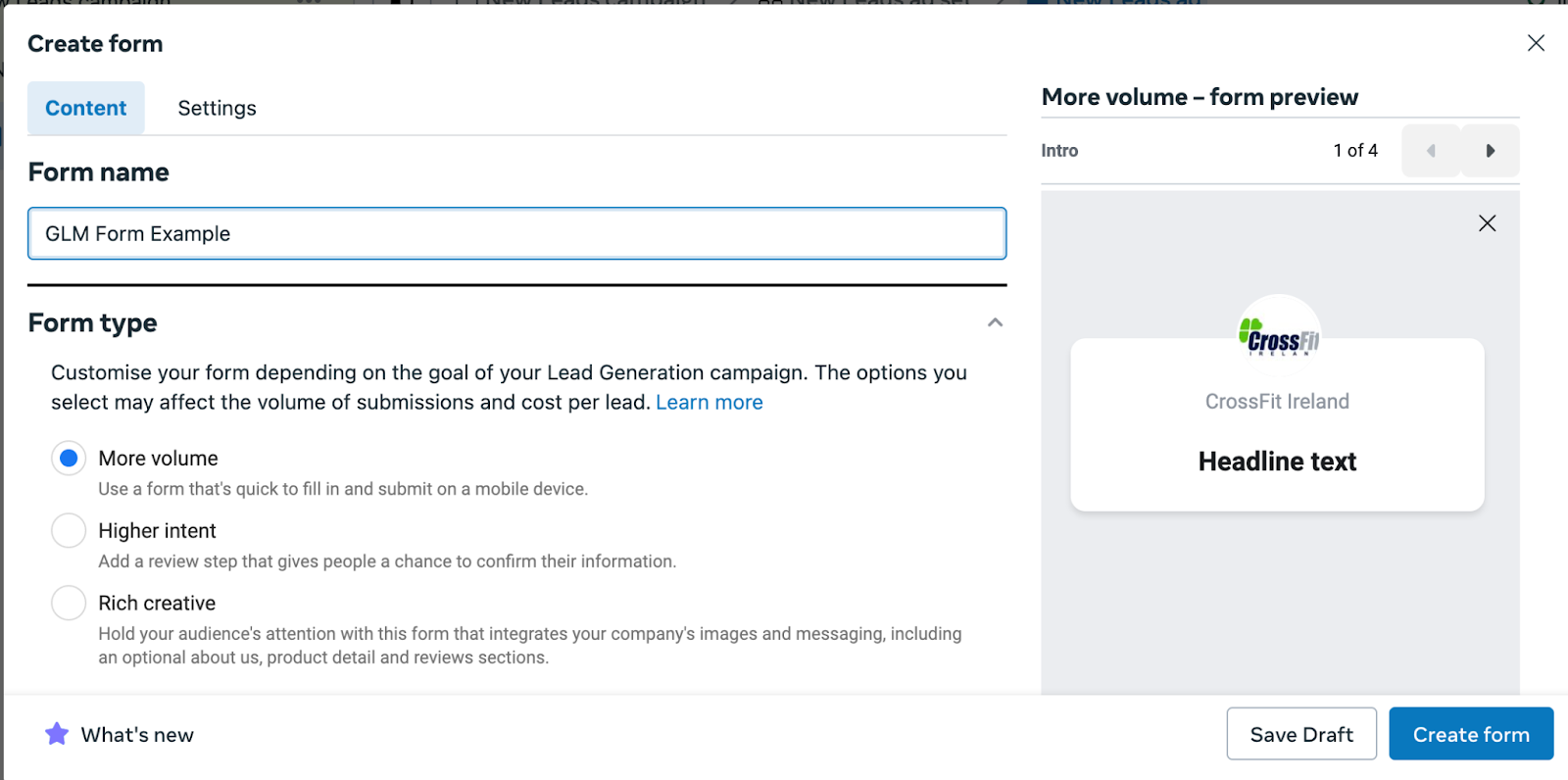
Click Create form under Instant form.
Name the form something you will recognize later.
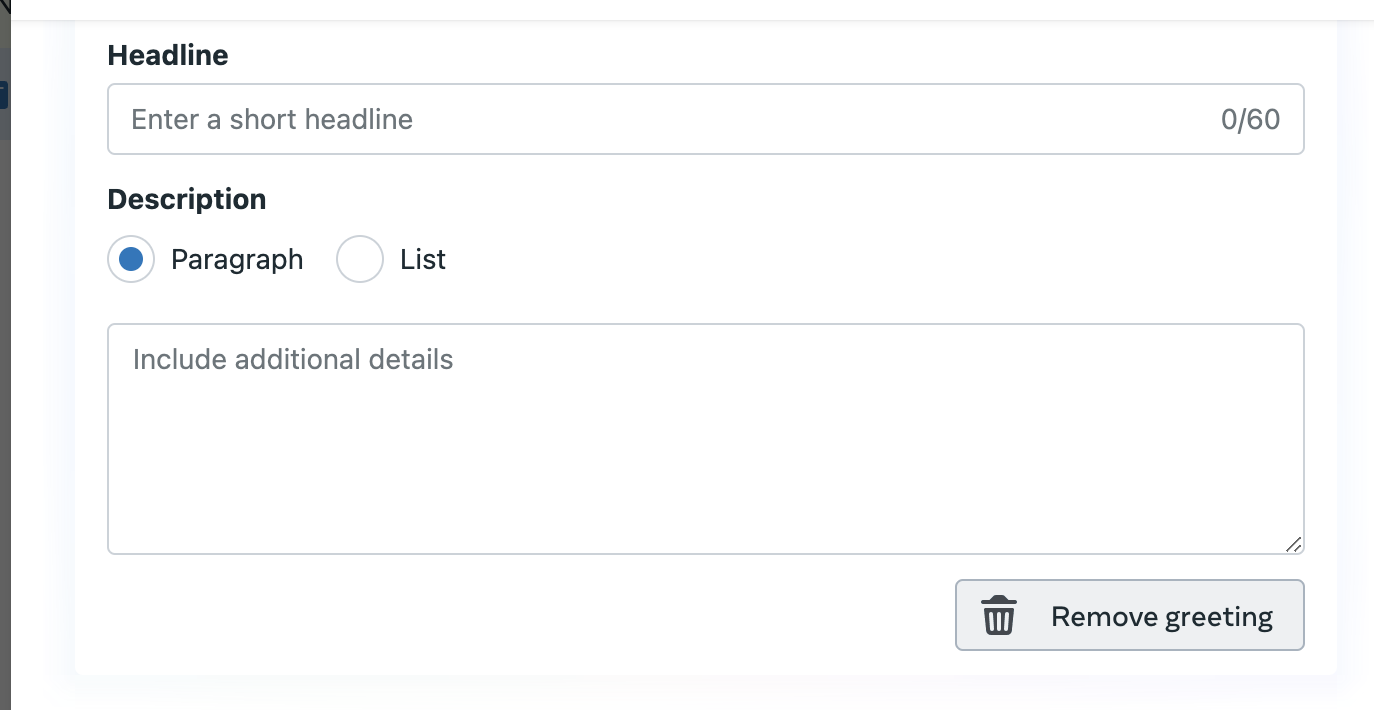
Go to the Intro Section.
Remove the greeting under Intro. A simpler form asks less of your leads, which makes them more likely to complete it.
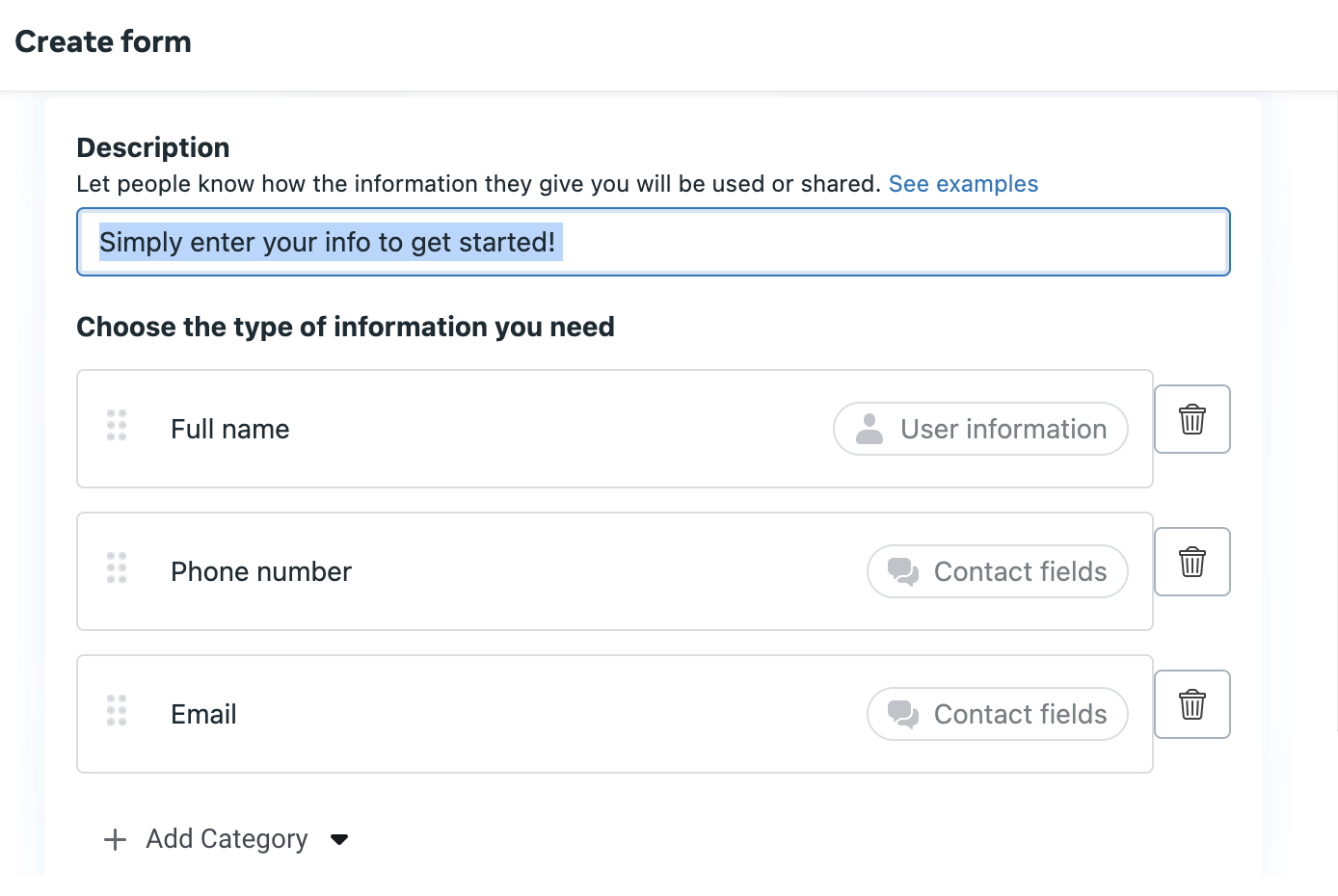
Add a description under Questions, for example, "Simply enter your info to get started!"
Set Full Name, Phone Number, and Email as the required fields.
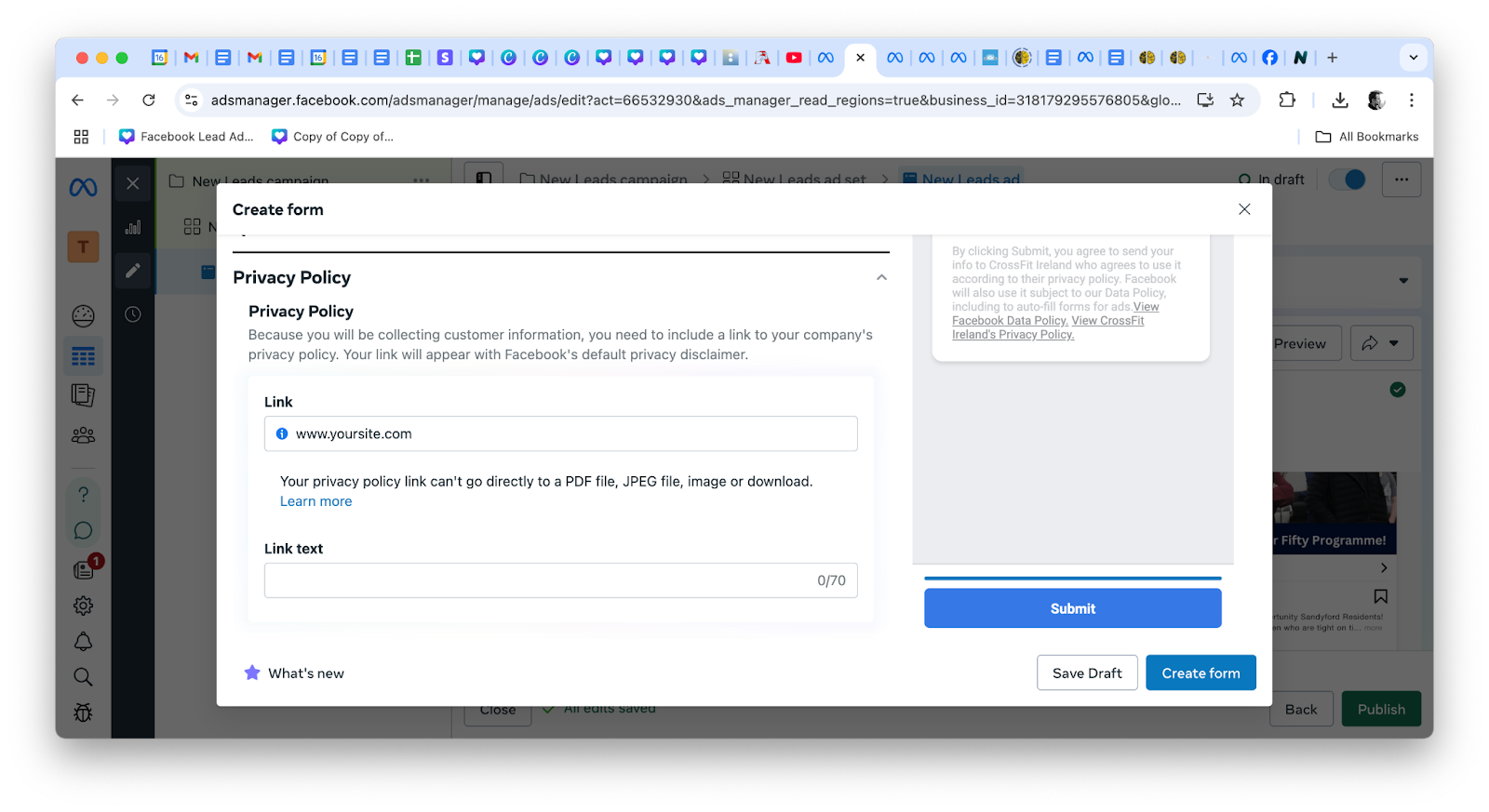
Enter your gym's website under Privacy policy.
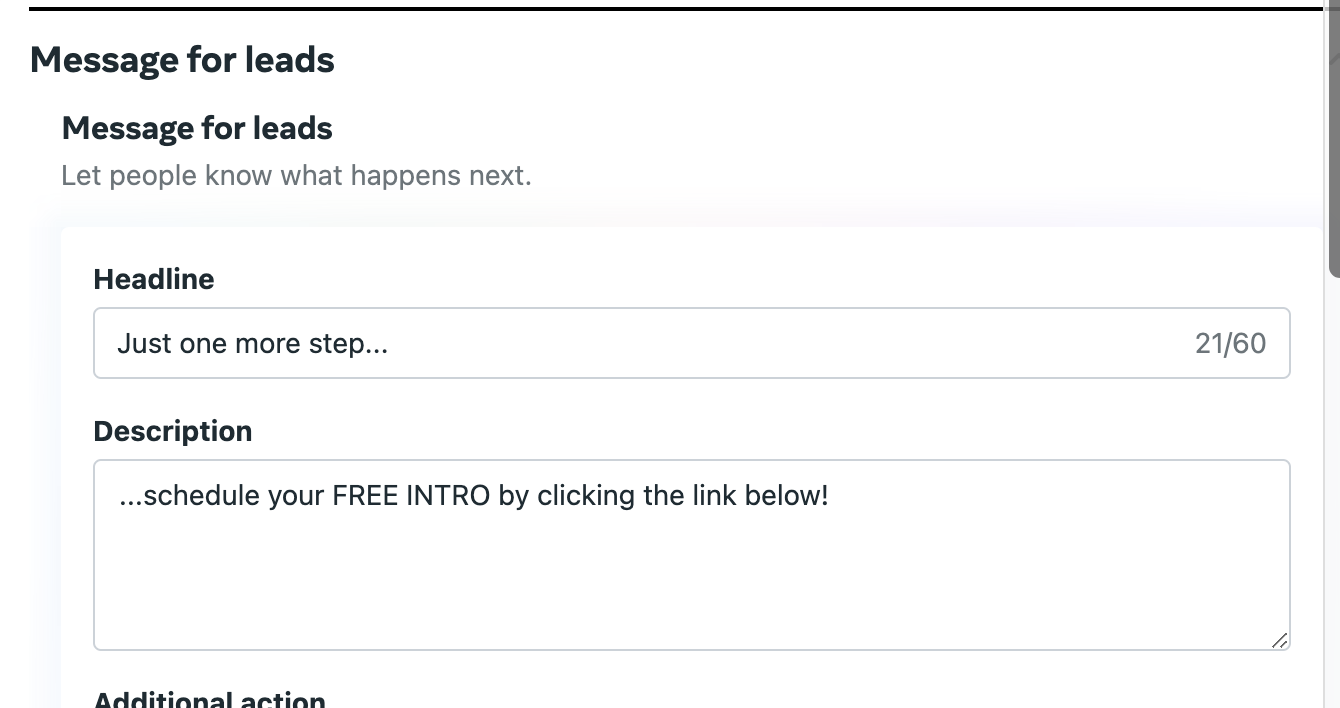
Change the text under Message For Leads to your own, for example "Just one more step..." followed by "...schedule your FREE INTRO by clicking the link below!"
Add your gym's booking link, which you get from Gym Lead Machine. See the next section.
Save your form and publish your ad.
Meta usually approves an ad within an hour, though it can take up to 25 hours.
Get your booking link and connect your leads
Your booking link comes from Gym Lead Machine, and the ad itself needs to be registered with Kilo before its leads will flow into your pipeline.
Go to https://app.gymleadmachine.com/.
Click Settings in the bottom left corner. The left menu changes.
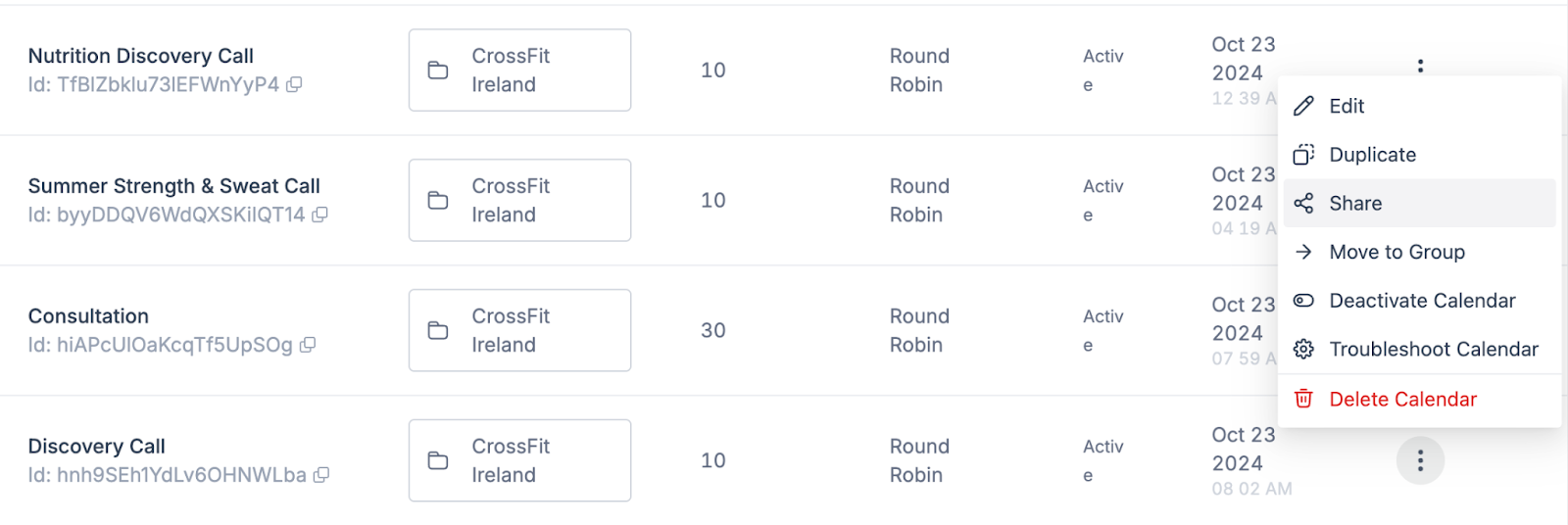
Click Calendars.
Select the calendar you want, click the three vertical dots on the right, and select Share.
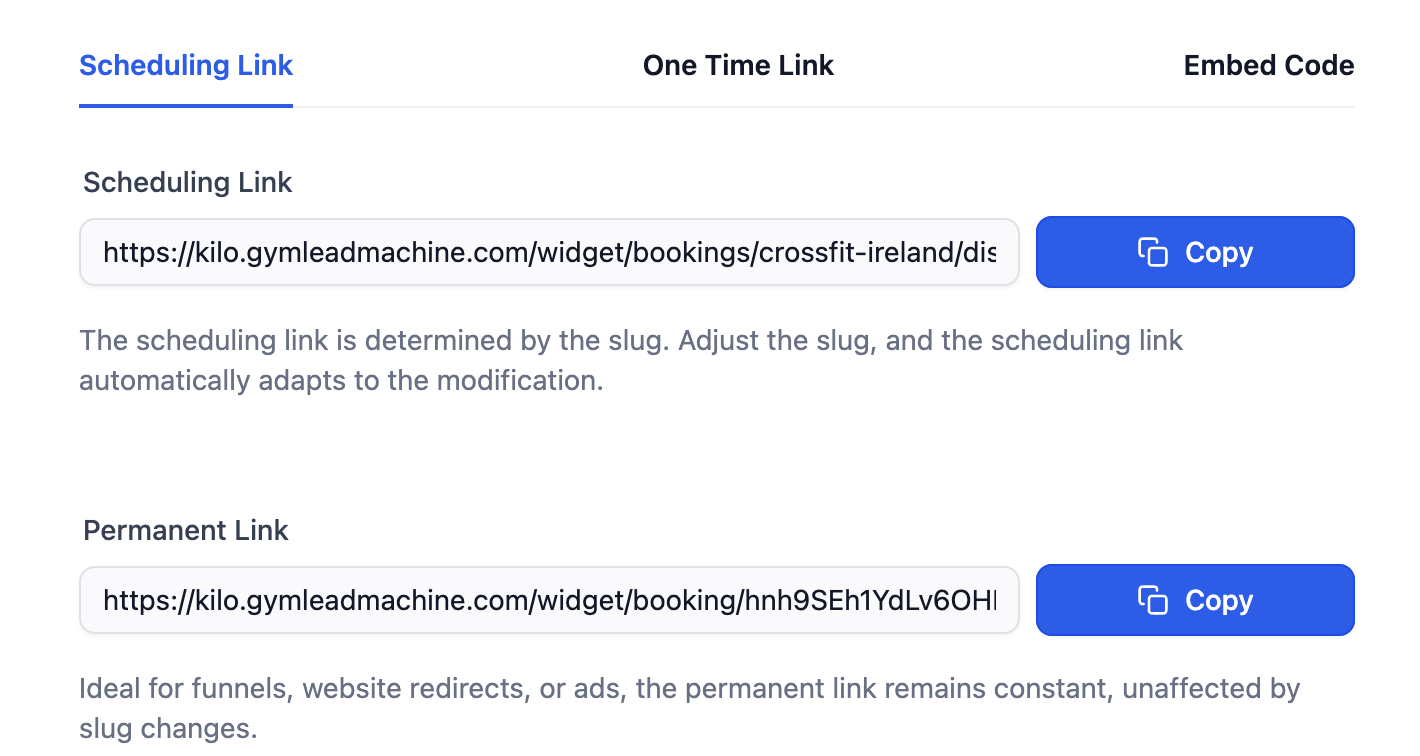
Copy the permanent link and paste it into your Facebook lead form.
Submit a lead ad integration request at https://usekilo.com/request/lead-ad-integration-requests/ so your Facebook leads enter your Kilo pipeline.
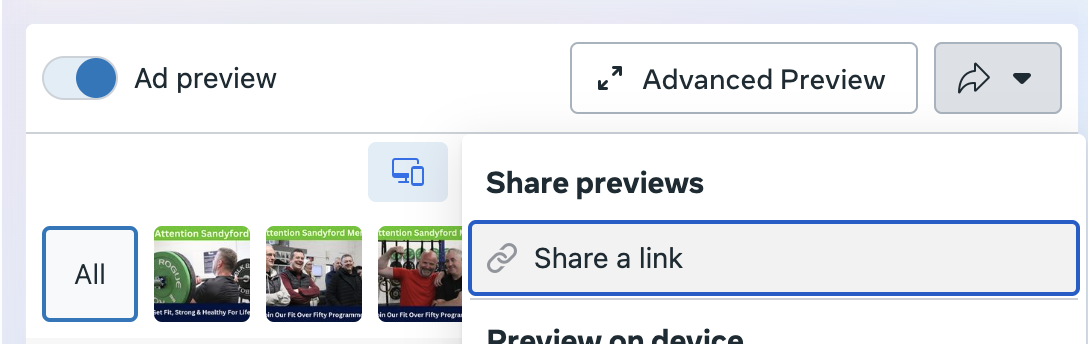
Provide your ad's URL, found in Ads Manager under Ad preview → Share a link.
Specify which workflow the leads should enter. For most ads, the standard new lead campaign is the right choice.
Frequently asked questions
Can I edit an Instant Form after I create it?
No. Forms cannot be edited once created. You can duplicate an existing form and create a new one with your changes, then point your ad at the new form. Check every field carefully before saving.
How long does Meta take to approve an ad?
Usually about an hour, though it can take up to 25 hours. Build in time before any launch date you have promised.
Why do I need to deselect Audience Network?
Instant Forms do not work on the Audience Network. Leaving it selected spends part of your budget on placements that cannot collect a lead.
What budget should I start with?
One dollar per day for every 10,000 people in your audience, with a minimum of five dollars per day. Check your estimated audience size on the right of the ad set screen before setting it, and the same principle applies in pounds and euros.
Will my Facebook leads appear in Gym Lead Machine automatically?
No. Submit a lead ad integration request first. Until the ad is connected, its leads stay in Facebook and will not enter your pipeline or trigger any workflow.
Helpful tips
Build the ad before requesting the integration, since the request asks for your ad's URL
Check every field on your Instant Form before saving, because forms cannot be edited afterward
Return to your budget after checking the estimated audience size rather than guessing first
Test short, medium, and long versions of your copy rather than committing to one
Use images of people smiling at the camera rather than mid-workout
Keep the form short, since every extra field costs you completions
If you have questions about connecting your advertising to your Gym Lead Machine account, our Support team is happy to help. Reach us at hello@usekilo.com. For help with Meta Ads Manager, campaign strategy, or running your paid ads, contact Colm at wedoyourpaidmarketing.com.