


Log in to WordPress dashboard
You should get the email with instructions to change your password.
-
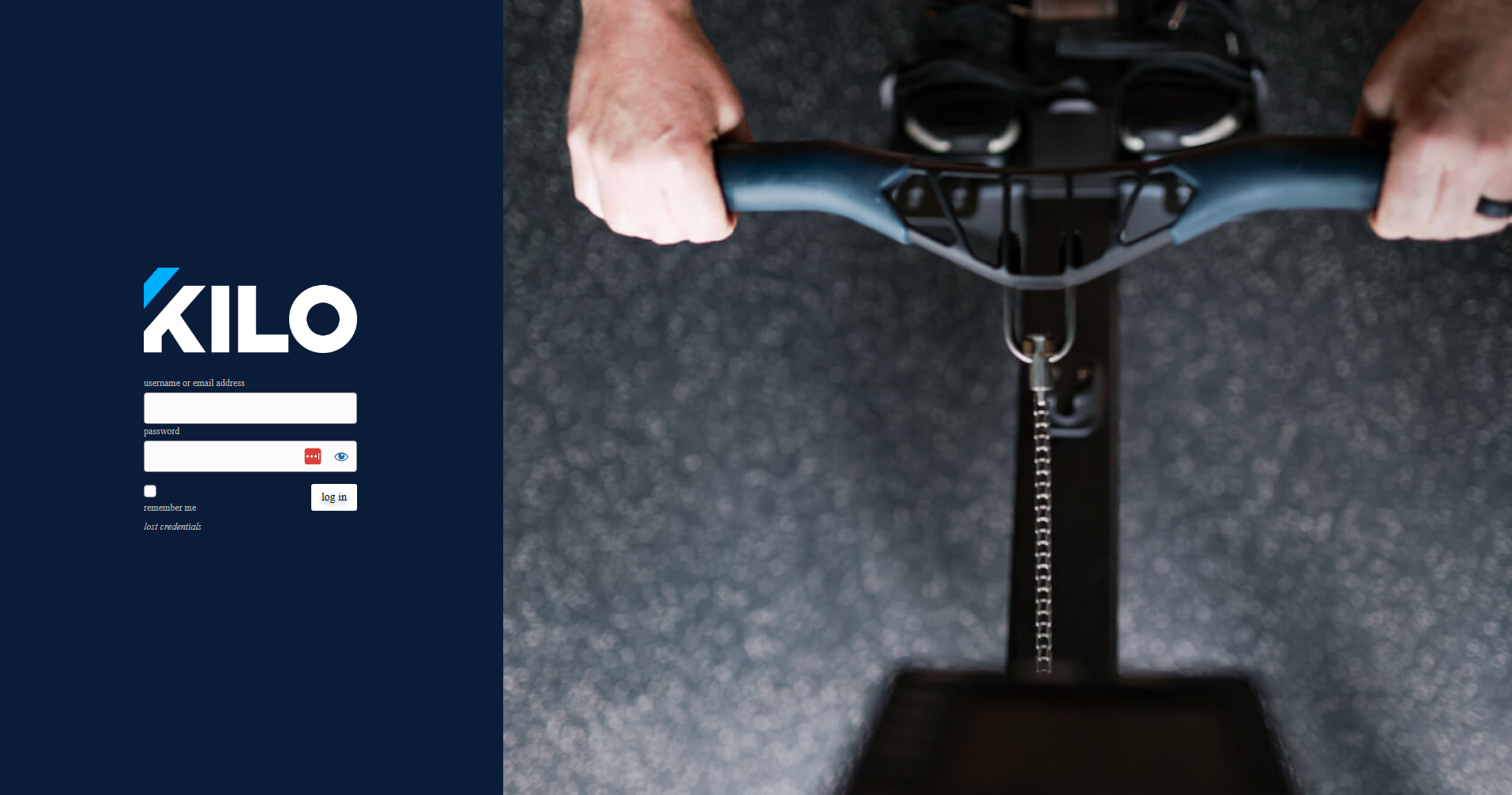
Go to your website login page (usually
yourdomain.com/wp-admin). -
Enter your username and password.
-
Click Log In:
Security Tips for Logging In
-
Use a strong, unique password to protect your website.
-
Avoid logging in on public or shared devices.
If you suspect unauthorized access, update your password immediately and notify Kilo Support.
Having trouble logging in? Reach out to our Support team at hello@usekilo.com.