


You can bulk-add contacts to a workflow (automation) in Gym Lead Machine to enroll a whole group of contacts at once, whether that's everyone on your list or a filtered group like contacts tagged as leads.
What you can do when bulk-adding contacts to a workflow
Select contacts individually, by filter, or all at once across pages
Add the group to any campaign or workflow
Enroll contacts immediately, at a scheduled time, or in batches with Drip Mode
Attach an internal note to the action
How do I bulk-add contacts to a workflow?
Go to the Contacts section in your Gym Lead Machine (GLM) system.
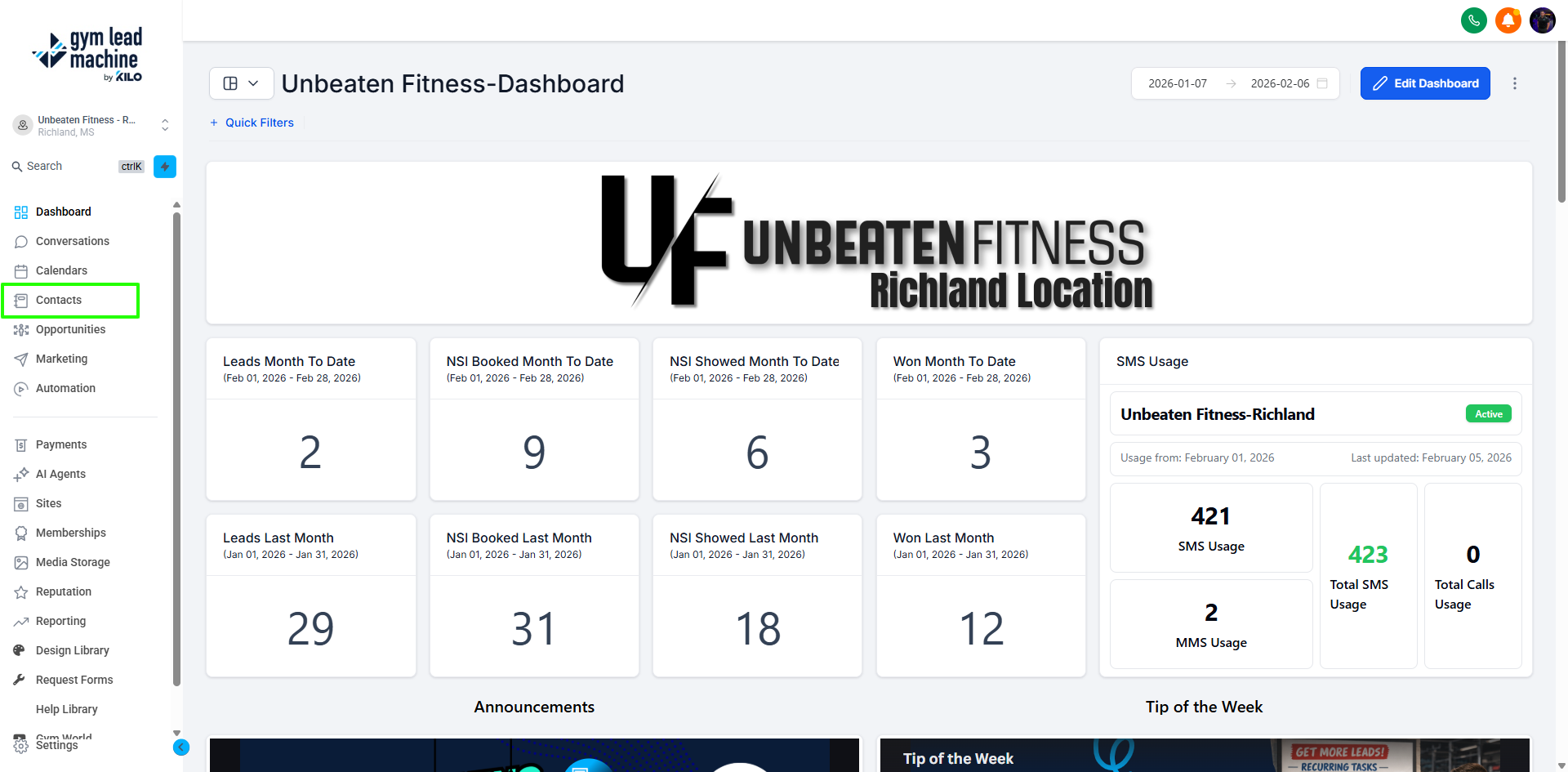
Choose the contacts you want to add by checking the box next to their name. To select all contacts on the page, click the checkbox at the top left. If your contact list spans multiple pages, click Select all records to include every contact.
If you need a specific group (e.g., contacts tagged as lead), use the More Filters option to narrow down your list. Filter by the lead tag, then select the filtered contacts.
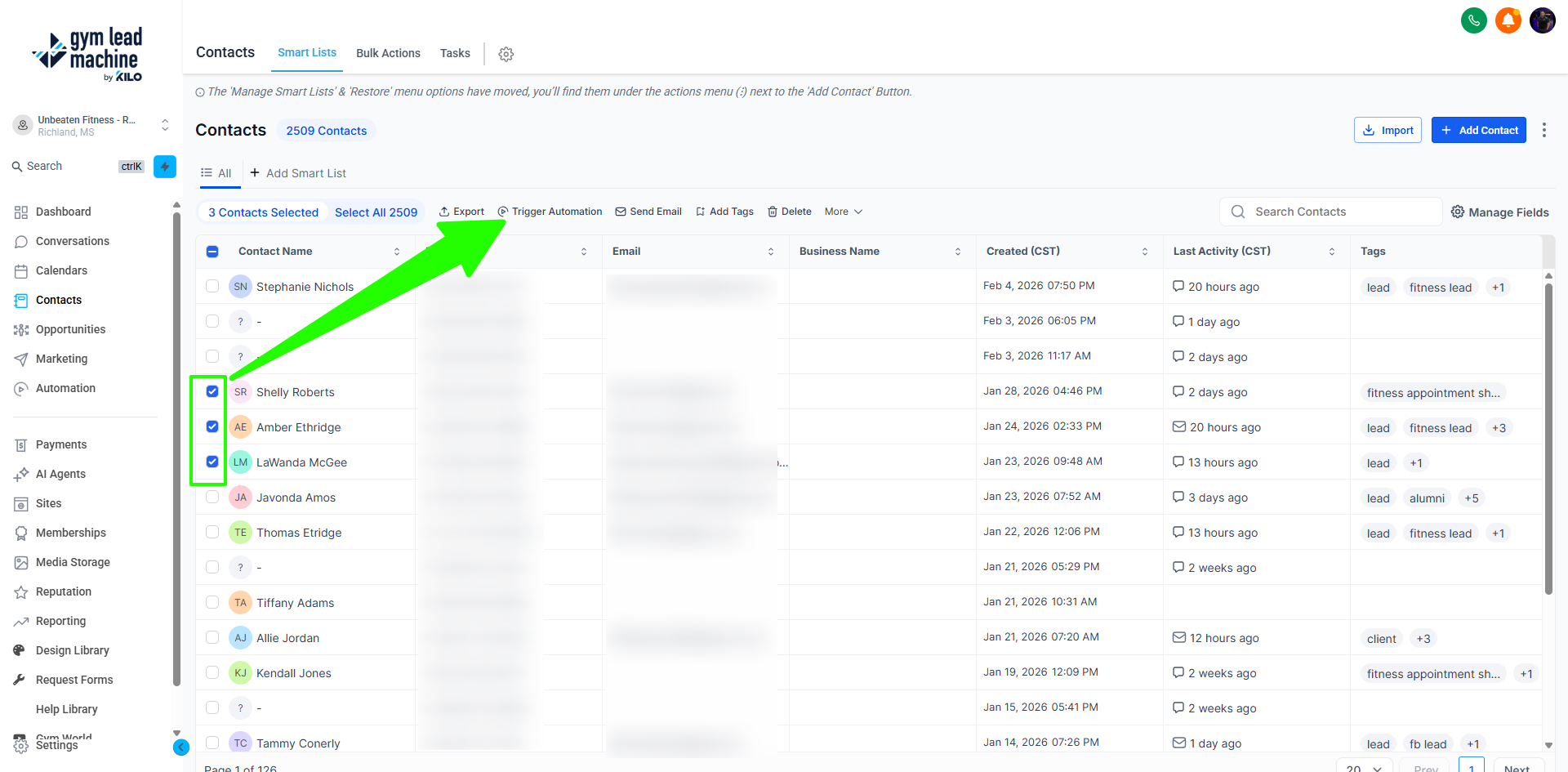
Once your contacts are selected, click the Add to Automation button (it looks like a robot).
A pop-up will appear. Click Ok Proceed.
From the drop-down menu, select the campaign or workflow to add the contacts to.
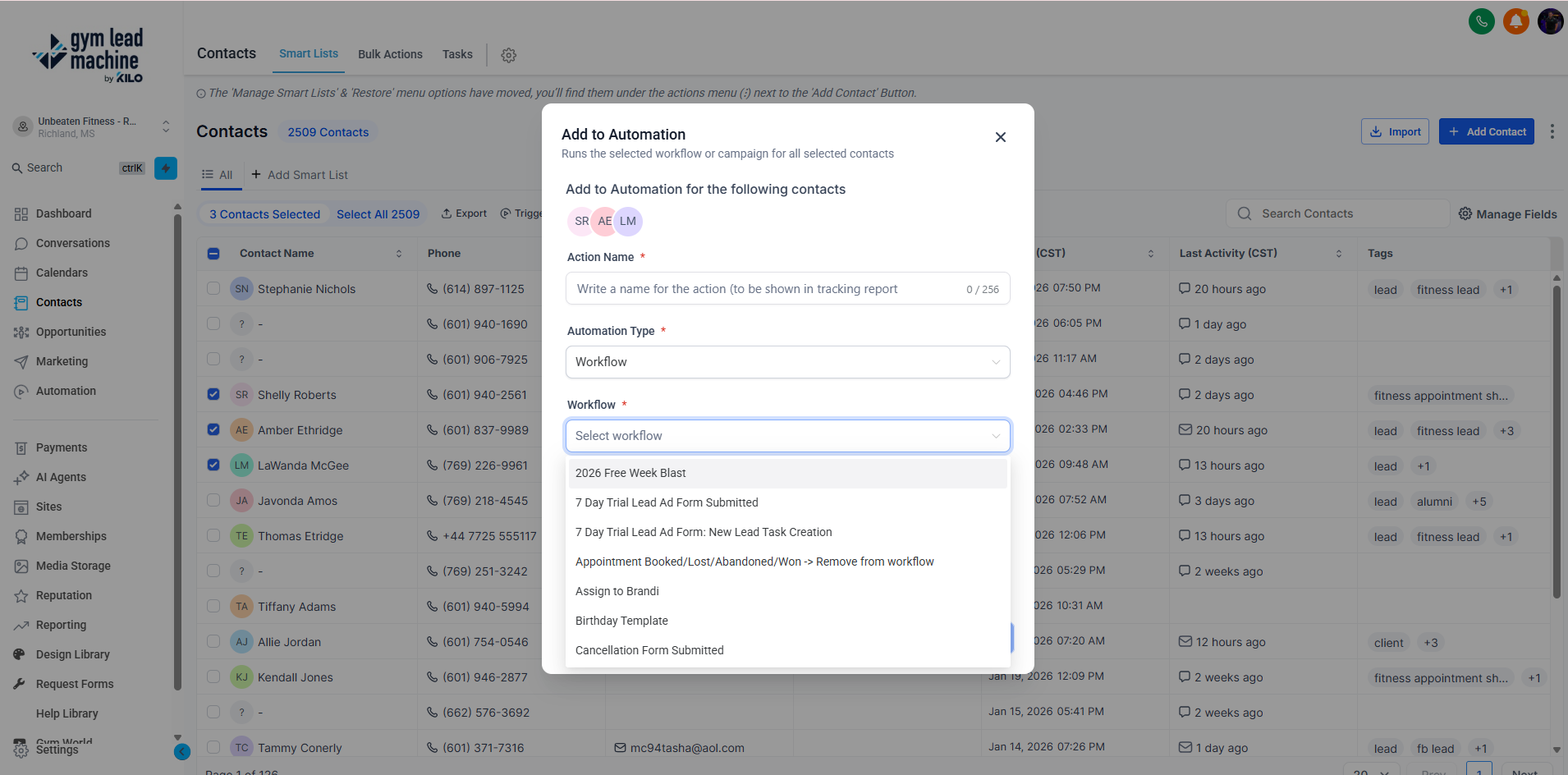
Choose how to add the contacts. At Once adds all selected contacts to the campaign immediately. Scheduled Date and Time lets you set a specific date and time using the calendar. Drip Mode adds contacts in batches over time (see the Drip Mode settings below).
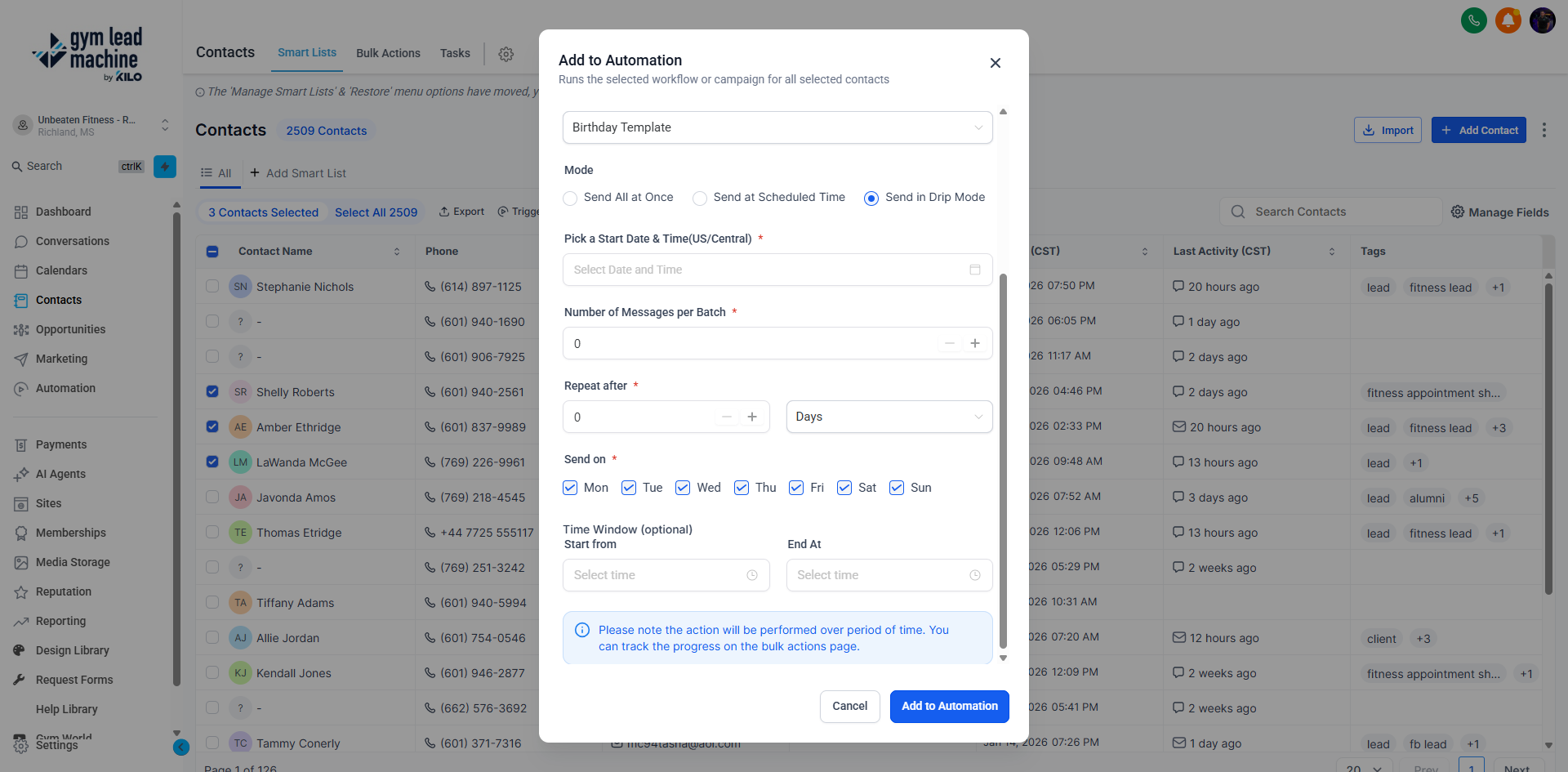
Use the Action field to add an internal note (e.g., "6.16.23 client announcement").
Once satisfied with your settings, click Add to Automation.
Your contacts will now be added to the workflow based on the method you selected.
Drip Mode settings
When adding contacts in Drip Mode, you'll need to input:
Start On: the start date and time for the first batch
Batch Quantity: the number of contacts to add at one time (e.g., 10 contacts)
Repeat After: how often to add new contacts (e.g., every 1 hour)
Send On: optionally, choose specific days and times for adding contacts (this can be left blank)
When this feature is most helpful
You may opt to add a group of contacts to a workflow for a number of reasons, including:
A special event
A promotional offer
If you have questions about bulk-adding contacts to a workflow in Gym Lead Machine, our Support team is happy to help. Reach us at hello@usekilo.com.