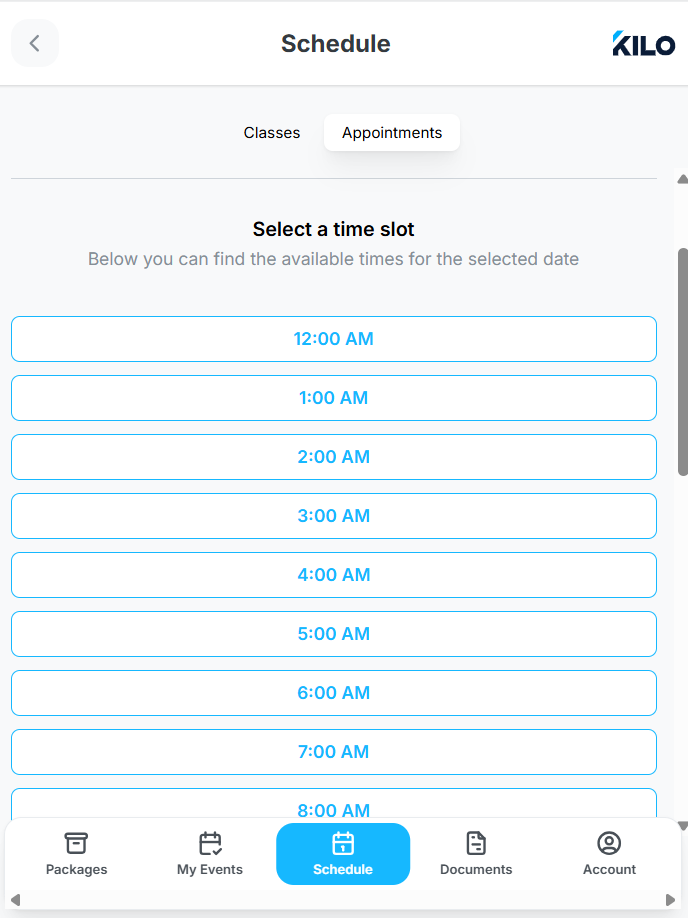
[Athlete App] How to Self-Book An Appointment
In Kilo Gym Management, your default view in the app is Schedule.
Above the schedule, there are two tabs - Classes and Appointments
The Appointments tab appears only if at least one appointment has self-booking enabled for the gym
How to Schedule an Appointment
- Navigate to the Appointments tab
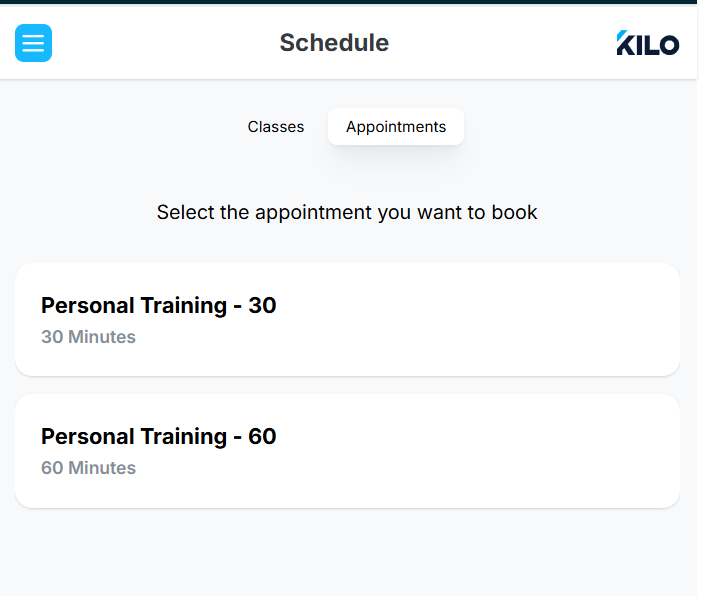
- Appointment list is displayed
- All Appointment types with self-booking enabled will be viewable
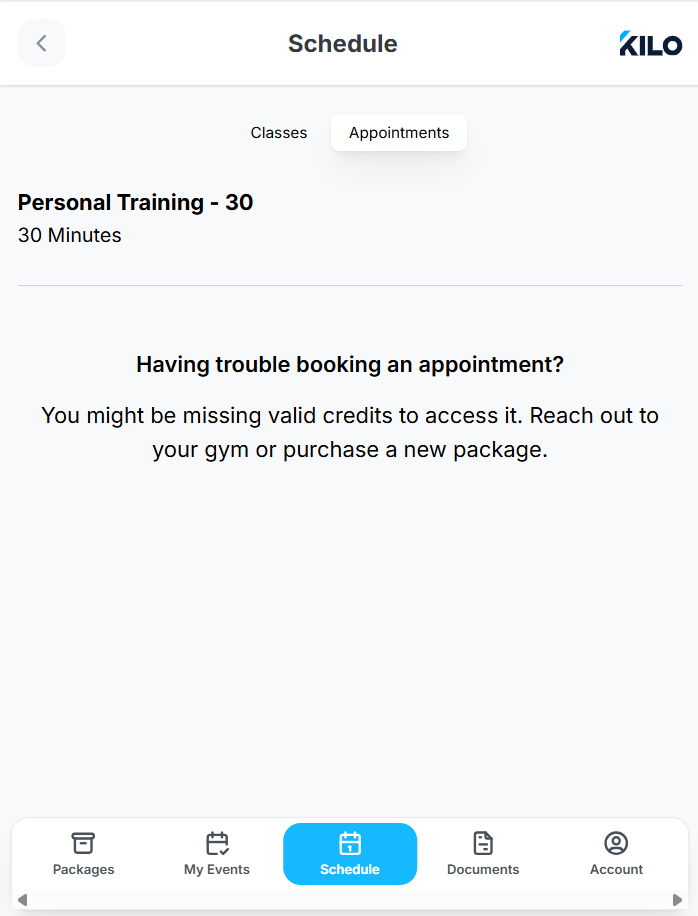
- You will not be able to schedule an appointment without a valid credit/package. If you select an appointment type to which your package does not grant you access, you'll see a message similar to the one below. Please contact your gym owner for more information about your membership.
5. Selects an Appointment type for which you have valid credits
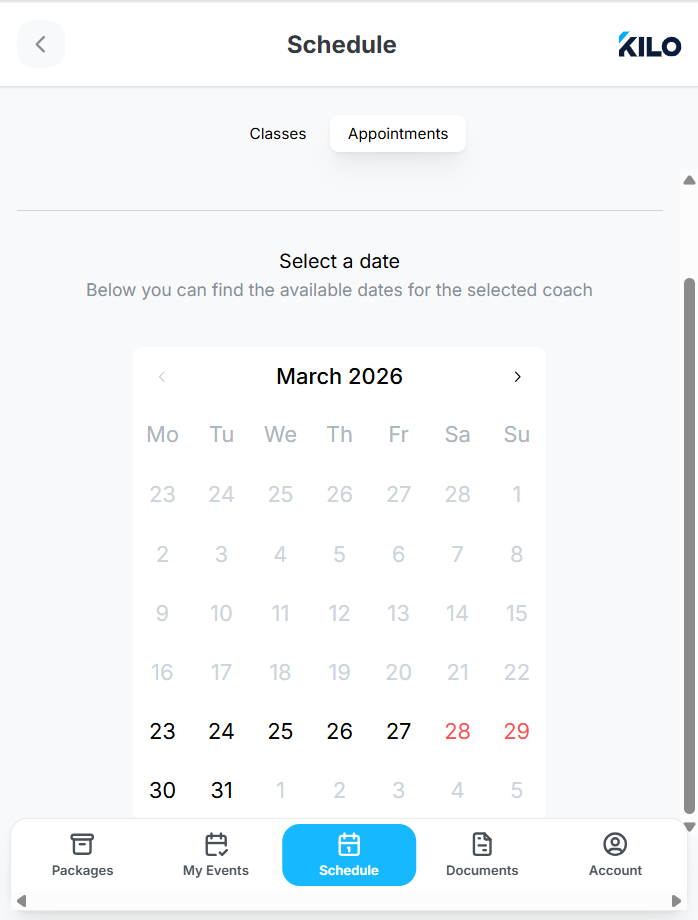
- Select a/your coach and a date
- Dates without coach availability are disabled
-
Available time slots will display. Selects a time slot and book.